The type of lease is selected on the agreement form in the basic information section. Agreements can be sorted based on the type of lease.
Start creating a new type of lease by opening the Lease management administration summary page and the Types of lease tab.
An Edit link can be seen next to an existing type of lease. By clicking on it, you can edit the name of the type of lease. Once you have made the changes, click on Save.
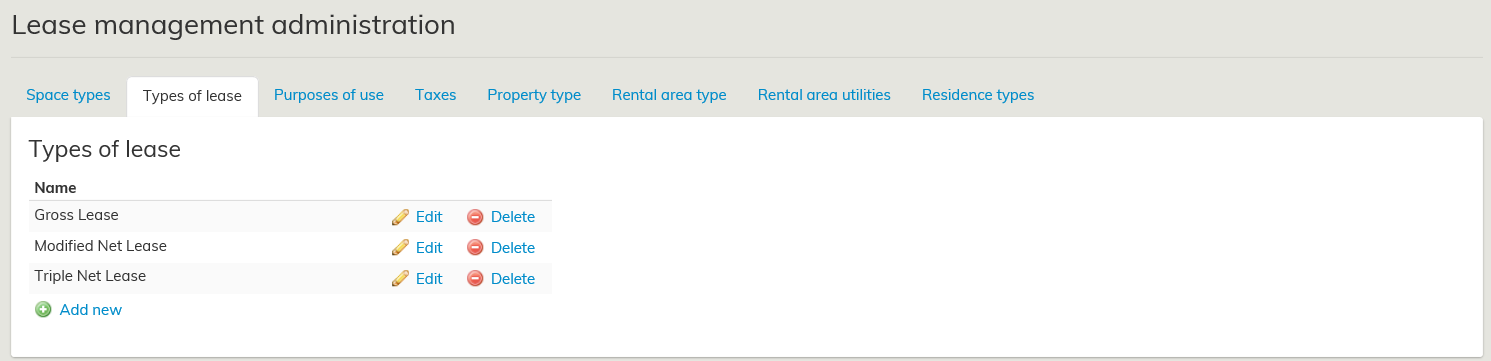
Add a new type of lease by selecting Add new under Types of lease. You can choose whatever name you want for the type of lease. Once finished, select Add new.
The types of lease created here can be selected for each agreement from a pull-down menu on the agreement form, under Agreement information
Sopimustyyppi valitaan sopimuslomakkeella sopimuksen perustiedot osiossa. Sopimuksia voidaan lajitella eri sopimustyyppien mukaan.
Aloita uuden sopimustyypin luonti menemällä Vuokrauksenhallinnan ylläpidon koontilomakkeelle, Sopimustyypit välilehdelle.
Olemassa olevan sopimustyypin vieressä on Muokkaa linkki. Valitsemalla sen, pääset muokkaamaan sopimustyypin nimeä. Muutoksen jälkeen valitse Tallenna.
Uuden sopimustyypin lisääminen tapahtuu Sopimustyypit otsikon alapuolella olevasta Lisää linkistä. Voit nimetä sopimustyypin vapaasti. Lopuksi valitse Lisää uusi.
...
.