Moment instructions – Home
Optimaze is a comprehensive software and service product by EG Finland Oy to support its customers in facility and real estate management. The views of Optimaze relate to management of facilities and their economy, real estate portfolio and lease agreements management, as well as environmental management of properties and facilities.
Optimaze service package is based on software that is used via the Internet with a browser. Unlimited amount of access rights can be assigned for using the software. The software consists of various sections that are directed to uses, such as data administration and management, reporting for both operative purposes, as well as for real estate management and businesses, space utilization measurements, and managing change scenarios. Optimaze application is configured based on existing applications according to the customer’s needs.
There are two different views in Moment. You can select the view from the bottom right-hand corner of the workspace. The Space view lets users review the spaces and the related reports. In the Eco view, you can view results from financial and environmental processes, and run reports related to these themes.
Navigation in the Space view
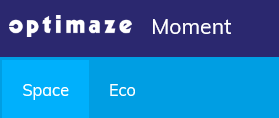
The Top Bar includes information about the user, the period under review (Time), filtering and the current project.
The workspace is where you can view projects and functions that you have opened up and which you can manage from the main menu. When opening the software, a Search field appears in the workspace.
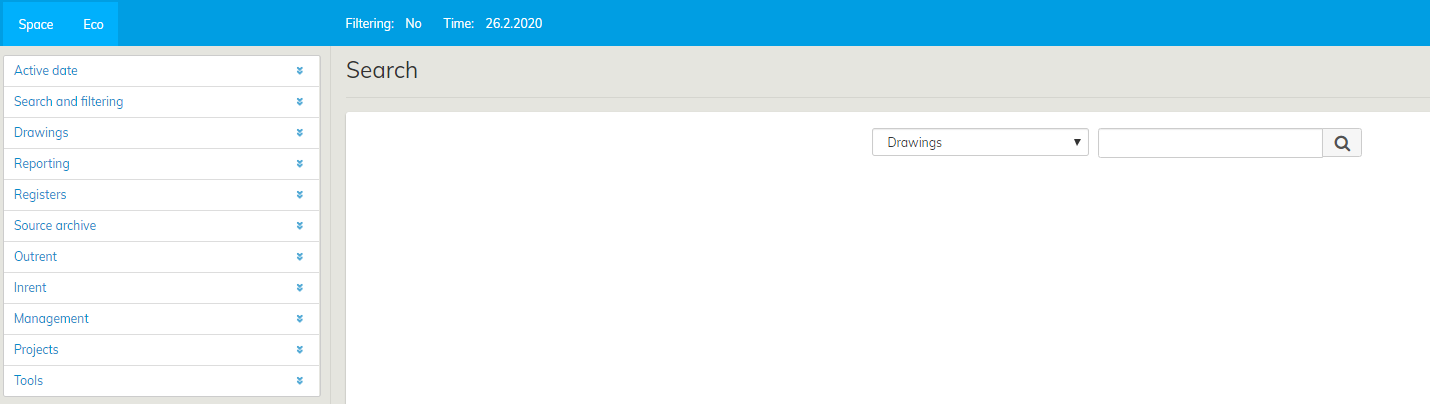
From the directory on the left, you can access different sections of the software. By clicking on the title, various sub-headings open up. You can access the function in question by clicking. In this manual, the sub-headings and their functions are described in detail under each header.
