Du kan lägg till bilagor till hyresavtalet, till exempel lokalernas planritningar. Spara Optimaze-ritningarna i PDF-format och bifoga dem genom att välja Bläddra...

Välj Ladda för att granska bilagan och Radera för att ta bort ett bifogat dokument.
Bilagor som sparats i systemet finns i Optimaze filer.
Bilagefiler kan läggas till via administrationen och kan då väljas till avtalet i punkten Optimaze filer.
Instruktioner för administration av bilagefiler finns under punkten Underhåll av bilagefiler.
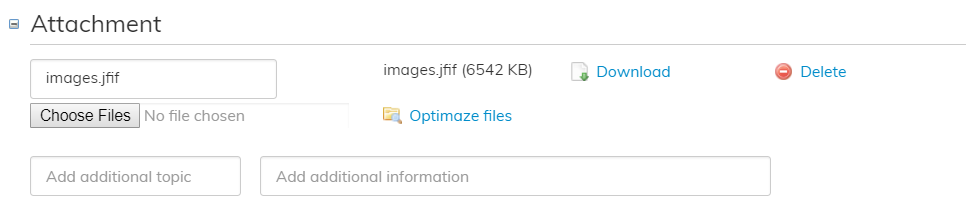
Välj Optimaze files för att se bilagor som finns i
You can add attachments to the agreement (e.g. floor plans of the rented area).
Save Optimaze drawings in PDF format and add them by clicking Selaa.
You can review the attachment by clicking Download or remove the attached document by clicking Remove.
Attachments can be added and modified in the management view, and you can select them to an agreement under Attachment.
You can find instructions on managing attachments under Appendices management in the user guide.
Select Optimaze files to show attachments that have been saved in the system.