If there is a second tenant in the premises, you can enter the tenant’s name hereOm hyresobjektet har en annan hyresgäst, kan du skriva hyresgästens namn här.
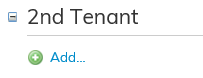
First, click Add. After this, you can search entries for the fields under the 2nd tenant.

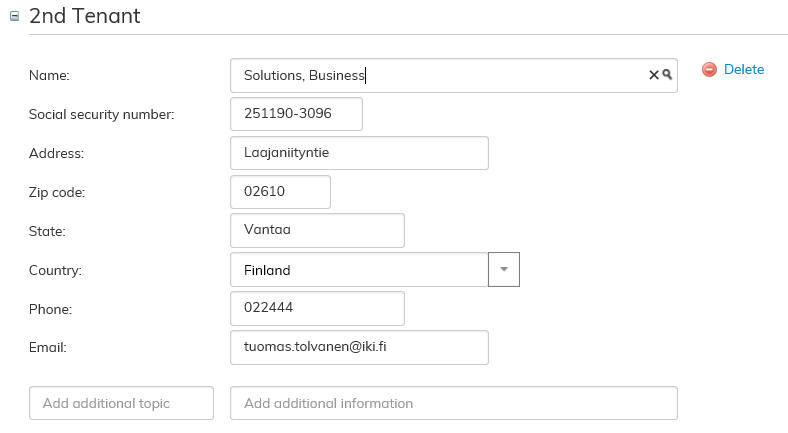
By selecting the desired tenant from the menu, the software searches for the tenant’s information:
If the desired tenant cannot be found from the tenant information in Optimaze, the following view opens:

By clicking Create new tenant button, you can create a new tenant in the system.
Klicka först på knappen Lägg till. Efter detta kan du hämta fälten för den andra hyresgästens uppgifter.
Välj önskad hyresgäst i menyn så skapar programmet uppgifterna för hyresgästen:
Om hyresgästen du söker inte finns i Optimazes hyresgästuppgifter öppnas följande fönster:
Via knappen Skapa ny hyresgäst kan du skapa en ny hyresgäst i systemet.
Under punkten Administration av hyresgästs uppgifter får du en mer detaljerad instruktion för hur uppgifternas sparasFor more detailed instructions on saving tenant information, see the section Managing Tenant information.