Start creating a report by selecting the report type and the desired report from the list.
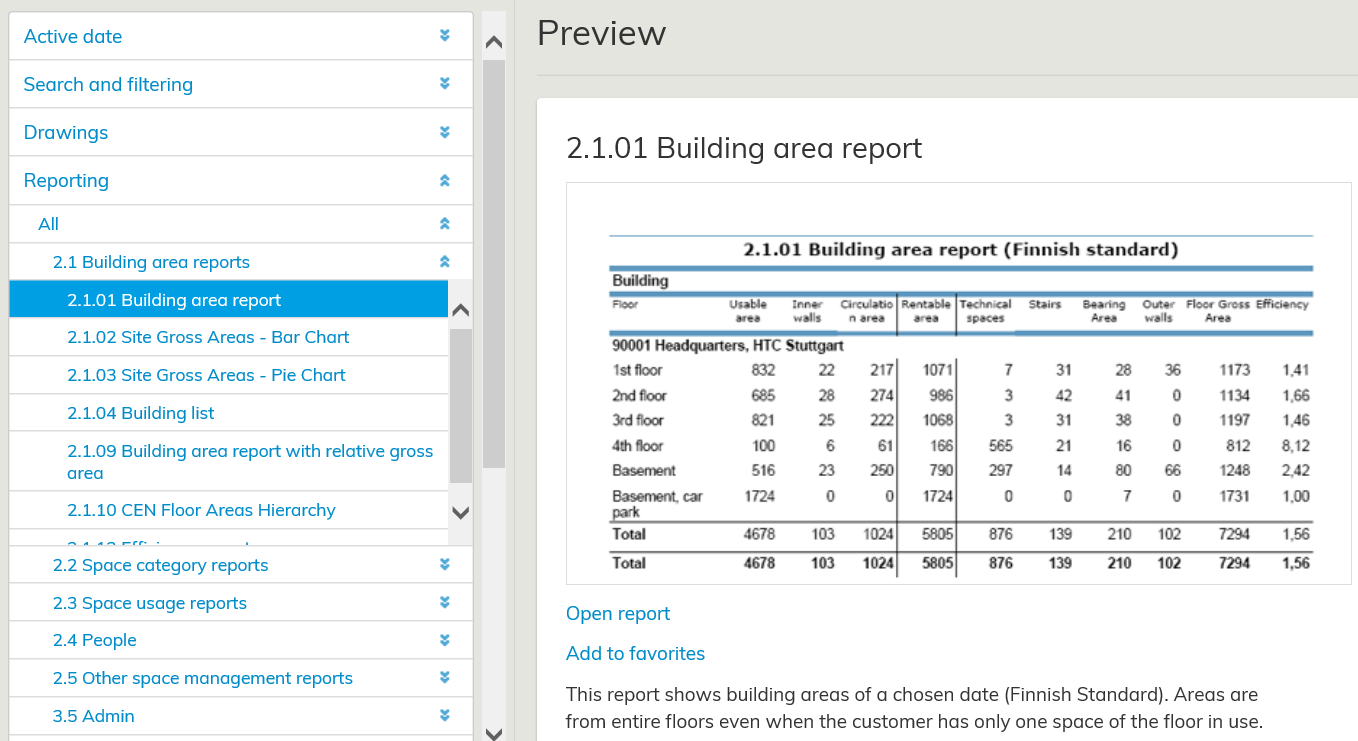
After you have selected the report that you need, a preview window is opened. There, you can get a more detailed view of the report. Start creating a report by selecting Open report. A window, where you can change features, such as the report format, is opened.
...
After you have selected the parameters, select Create report.
.