Attachments can be added and modified in the management view, and you can select them to an agreement under Attachment.
Appendices management can be found under Management – Lease management administration – Appendices management.
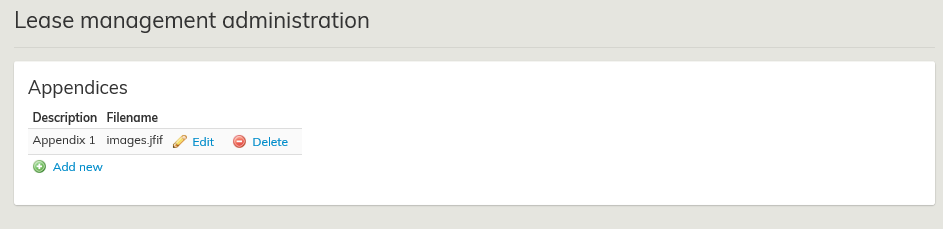 Liitteiden hallinnassa Edit-kuvakkeella pääset muokkaamaan olemassa olevaa liitettä
In appendices management, by clicking on the Edit
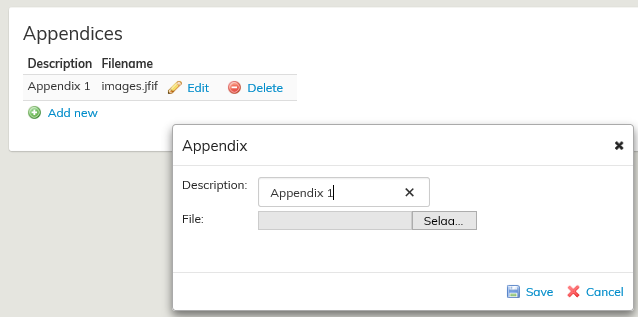
ja Delete -kuvakkeella poistat.Silloin ohjelma vielä haluaa varmistaa, että haluat poistaa kyseisen liitteen
Jos poistat liitteen liitteiden hallinnasta, ei se enää tule uusille sopimuksille valittavaksi.
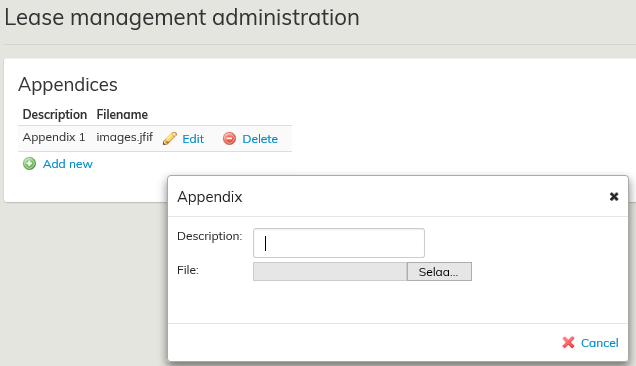
Lisää uusi painikkeella voit ladata valittavaksi uuden liitetiedoston.

...
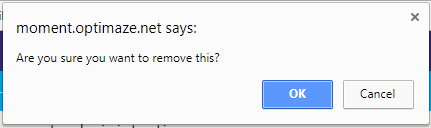
With the Delete icon, you can delete an appendix.
In this case, the software asks you to verify that you wish to delete the particular appendix.
Click Ok, if you want to remove the appendix.
If you delete an appendix under appendices management, you cannot select it for new agreements.
With Add new, you can upload a new appendix for selection.
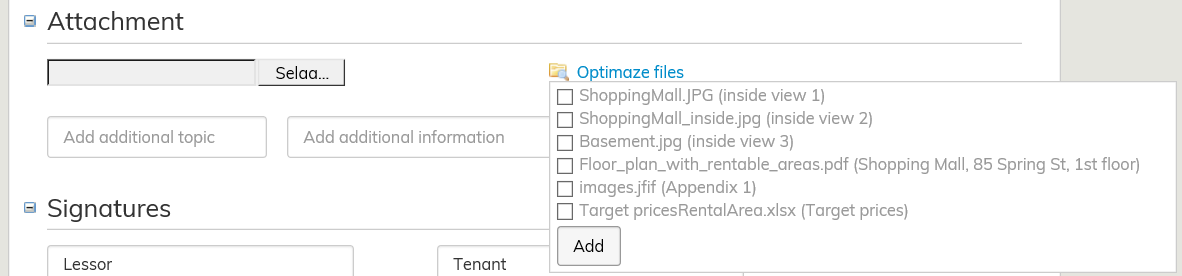
Select Optimaze files to show attachments that have been saved in the system.