
Purpose
This guide helps diagnose why messages received by the WCF Service are not appearing in the Partner Portal (i.e., the flow between IntegrationApiService and ApiService fails).
Step-by-step troubleshooting
1. Verify upstream delivery (SonWin → WCF Service)
Follow the guide: Troubleshooting Client -> PartnerPortal
Confirm:
The WCF service is running
Incoming XML messages are logged (type FacilityTaskExchangeApi.Log)
The correct environment (Test/Prod) is used
If messages ARE logged but do not appear in Partner Portal → continue to Step 2.
...
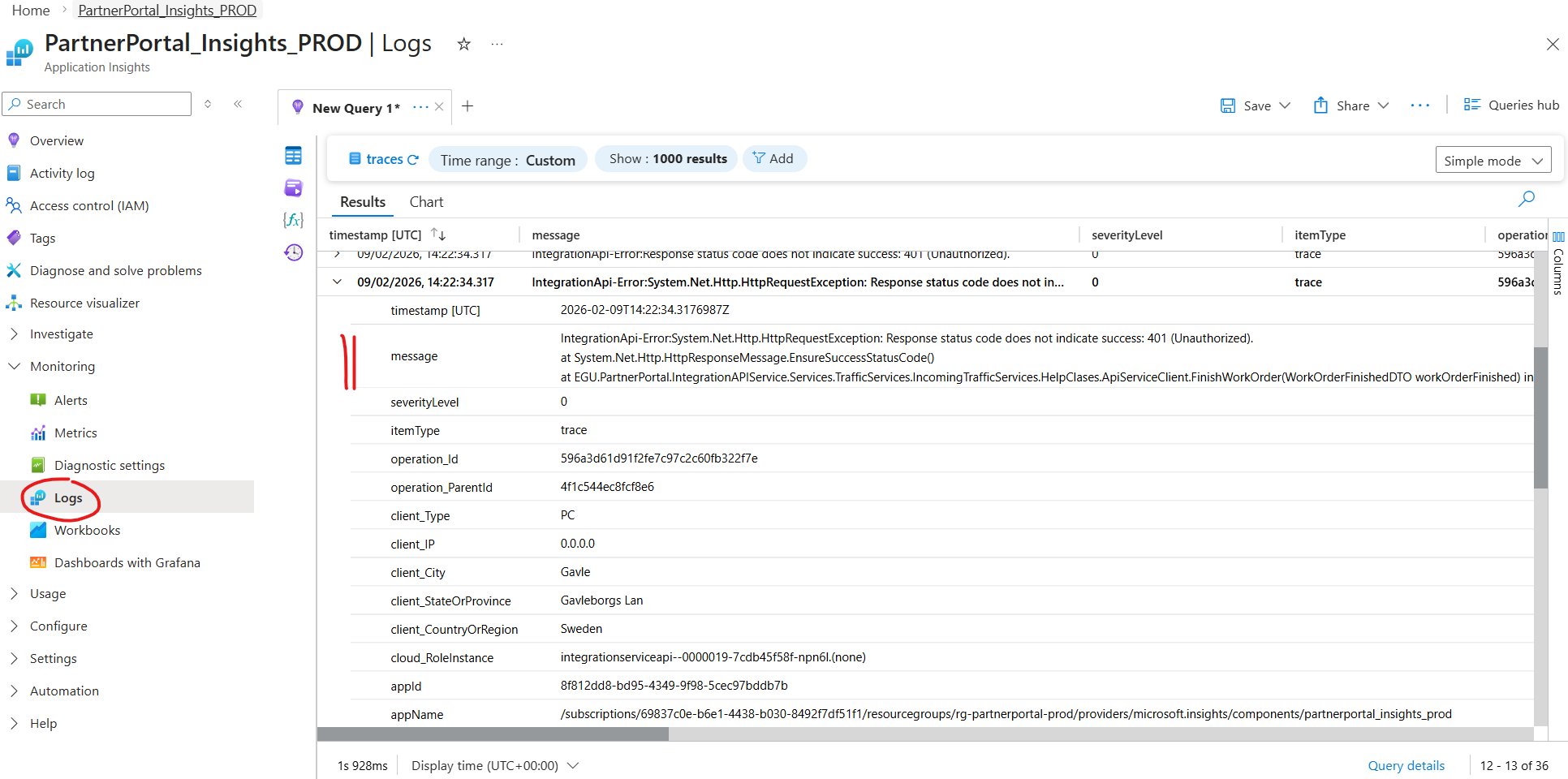
2. Check IntegrationApiService → ApiService communication (Application Insights)
Open Azure Portal
Navigate to Application Insights →
PartnerPortalInsights_XXXOpen Logs
Query Traces
Use either:
Time range filtering around when the message was sent
Or search using a
...
custom filter.
...
3. Identify failure type
Look for errors originating from:
| Symptom in logs | Likely cause |
|---|---|
401 / 403 | Authentication / Managed Identity / API permissions |
404 | Wrong endpoint or route mismatch |
400 | Contract mismatch / invalid payload |
5xx | ApiService failure or unhandled exception |
| Timeout / TaskCanceledException | Network / firewall / service unavailable |
| Serialization errors | DTO mismatch between services |
| No trace at all | IntegrationApiService never called ApiService |
...
4. Decide where to fix
Configuration issue (Azure)
...
Missing role assignment
- Wrong base URL
Environment mismatch
ClientID / ClientSecret / Scope misconfiguration
Code issue
Mapping failure
...
- Validation failure
Unhandled exception in ApiService
...
Result
After identifying the error in Application Insights:
Fix configuration issues in Azure when authentication or routing fails
Fix code when payload handling or processing fails
...
Tip
Always compare:
Timestamp of WCF log
Timestamp in Application Insights
...
...