...
In the virtual space register, you can see the virtual space data created, and add and edit certain features.

By selecting Registers and then Virtual floor register from the main menu, a register menu is opened in the workspace.Browse register window will open.
You can find detaled instruction of the function in Property and building register instruction

You can create and manage virtual spaces by selecting Virtual space register. 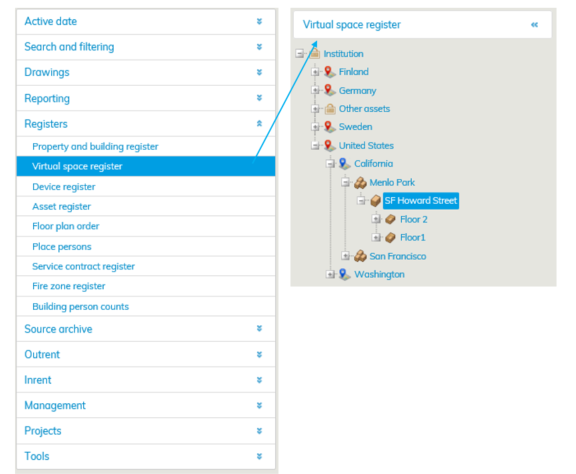 If you want to create a virtual space, select the building in the list or from the register tree.
Click Add virtual floor -button

If the building is not in the register tree, you can create a building under the selected property by clicking Add building button.
...