
Default work descriptions with separate fields for Utilities and Description can be created here. After saving, you can also link sub-activities (checkpoints), parts lists (articles) and documents. For details regarding the creation of sub-activities, adding articles and documents, see separate description under work orders, since this is the same procedure.
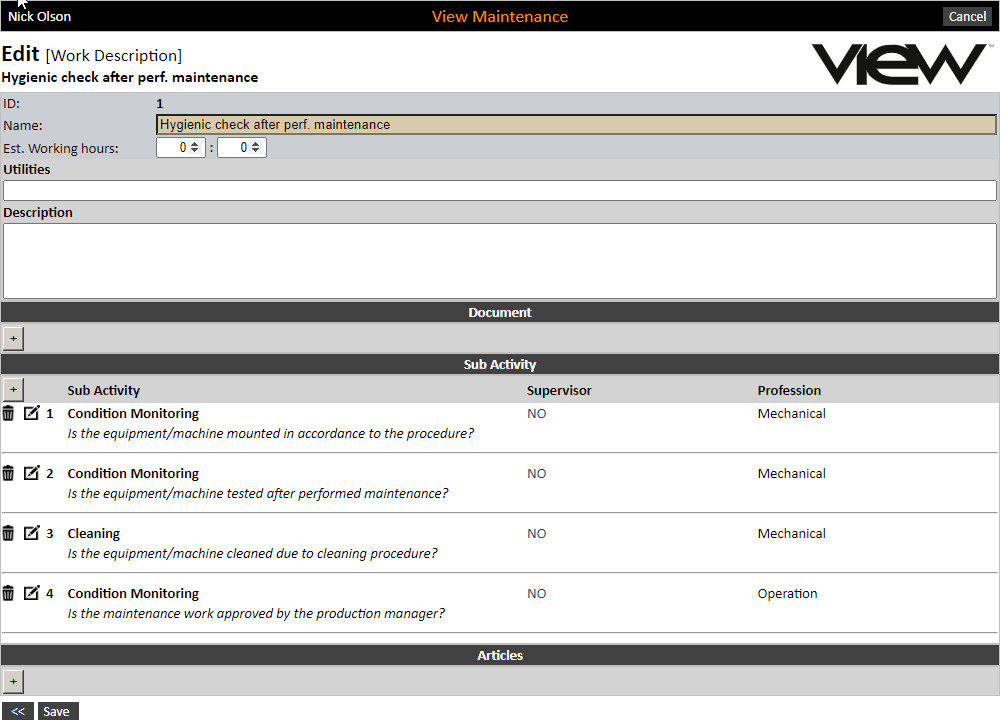
Using sub-activities on a work description will make it easy to maintain the work orders that are linked to it, i.e. make amendments here, with the change applying to all the work orders.