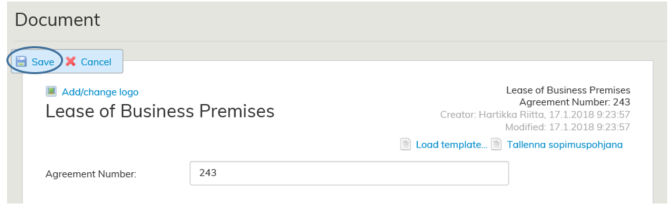
The lease agreement form should be saved for the first time by clicking the Save button.
Subsequent changes to the agreement are saved automatically.
Editing the draft agreement
You can edit the draft agreement before the actual agreement is made.
Search for the created draft agreement by using the Search function.
Alternatively, in lease management, you can open the summary page of the tenant or lessor whose draft agreement you wish to edit.
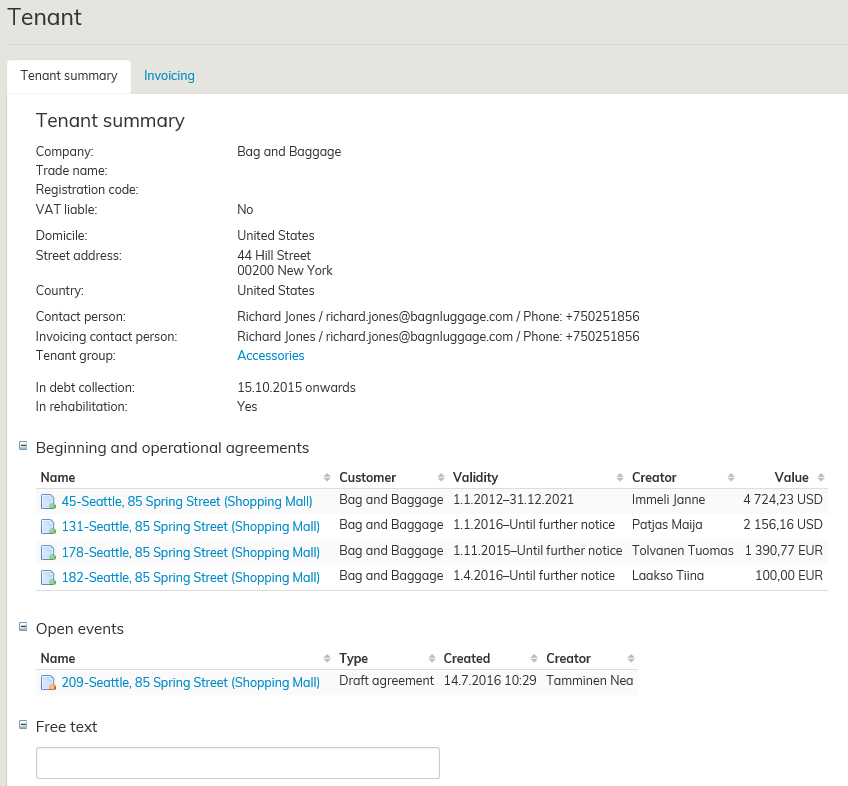
Under the tenant’s basic information, you can see the open events. Select the desired draft agreement by clicking the agreement name shown in blue.
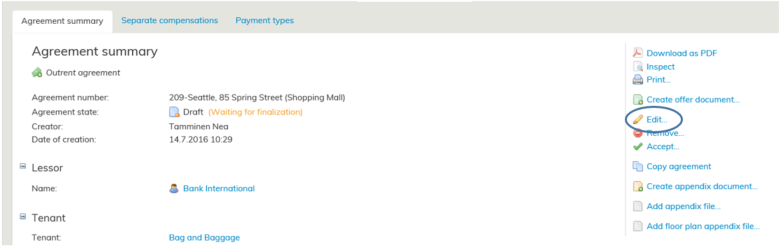
When you have saved the lease agreement form for the first time, you can edit it with the Edit function on the agreement summary page.
When editing the draft agreement, any information entered will be saved automatically, so no additional saving is required.
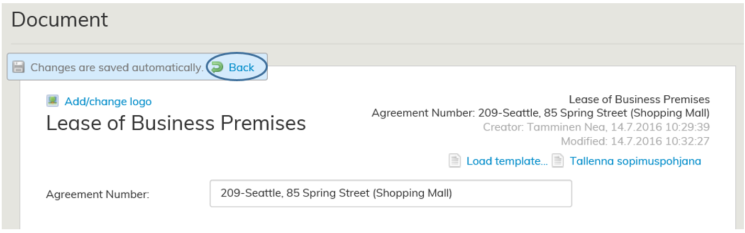
Once finished, return to the agreement summary page by clicking Back.
For more detailed instructions on exporting the agreement information to Optimaze, see the section Filling out the lease agreement form.
.
