View the drawings in the browser and attach Thematic maps and Labels concerning space and user information.
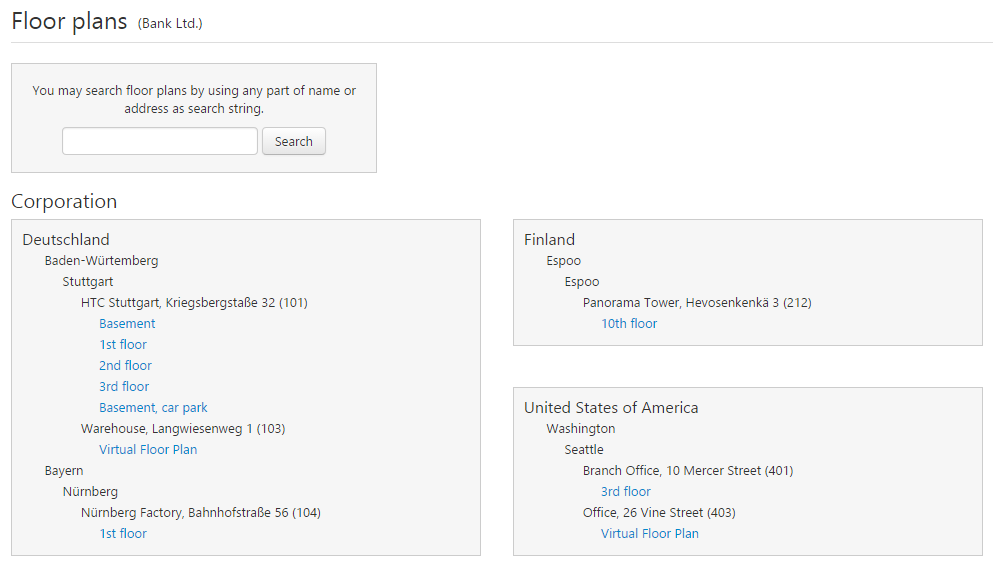
The user can only browse those drawing which he has access rights. The selected organization branch also affects the list of the drawings that are shown.
Drawings can be search by the name, part of the name, address and part of the address.
The floor plans is opened by clickin the building's floor name. The floor plan is opened to the same or external window depending what the user has selected at My settings page.
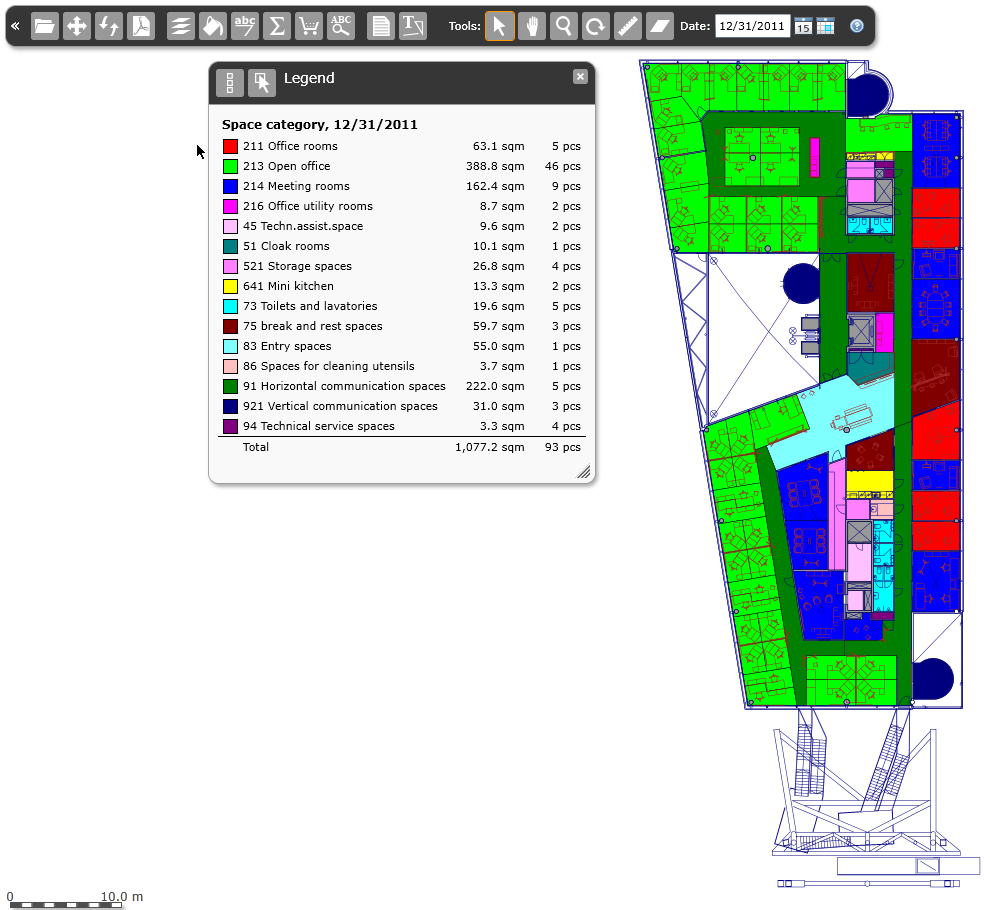
The user guide for the drawing can be opened by clickin the question mark at the navigation bar 
