Purpose
This article will show you how to use Postmark. Postmark is used for sending emails mainly to our salon users and consumers.
Scope
This is an internal article for CuHa’s, Sales, and to anyone who wants to see if the customer or the salon has received the confirmation email or not.
What if the customer/salon/consumer does not receive the email?
If the customer has not received the confirmation email we recommend you check these things:
- The customer has an email address saved to their customer card. We recommend gathering as much information from the client as possible but the most important thing is the name, email address, and phone number. Please note that the salon is always the accountable controller of the customer register which means that the salon owns all the customer info and is responsible for updating them.
- Check the spelling. The email cannot be sent if the email address is missing some letters or the address is miswritten for example Gmil.com or .con.
- Ask the customer to check the spam and other folders. Some emails typically sort the emails into different folders such as “Other”, “Promotions”, “Social”, etc.
- A confirmation email cannot be sent if the mailbox is full. Ask the customer to check their mailbox.
- If the emails are usually going to the spam folder the customer can save our email address so the mailbox knows it is a legit sender. A confirmation email is sent from the address timma@timma.fi (🇫🇮), timma@timma.se (🇸🇪), timma@timma.no (🇳🇴) etc.
If you have checked all the previous steps and the customer still has not gotten the confirmation emails, we can check the status from our email servers in Postmark.
About Postmark
The website is: https://account.postmarkapp.com/login
Postmark looks like this:
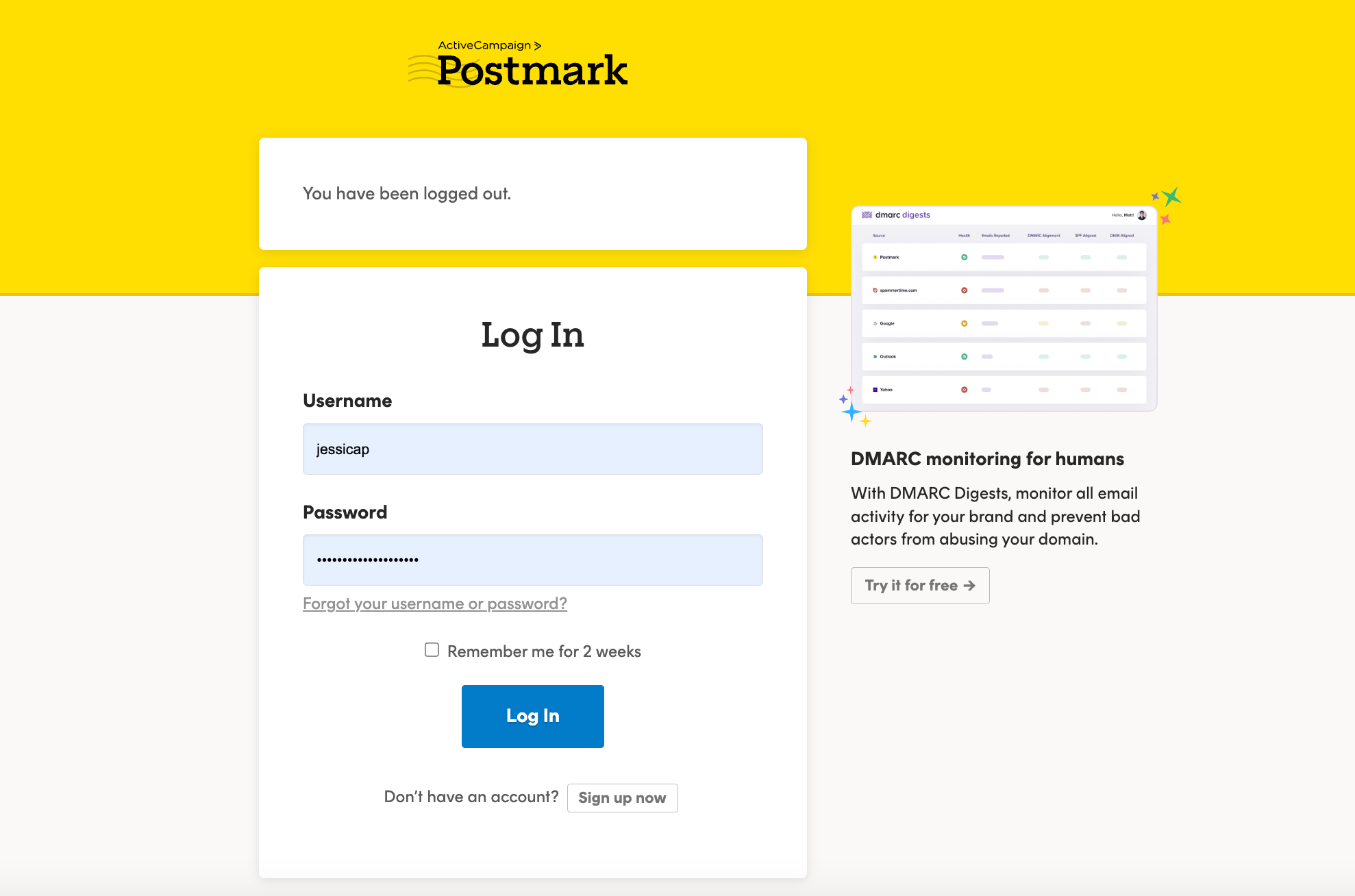
All the CuHa’s at least should have their own credentials to the system. If you don’t have your own credentials, please ask them from your team lead.
Note! 2FA is required to use in Postmark as well (like in all sites and apps we use).
How to use Postmark
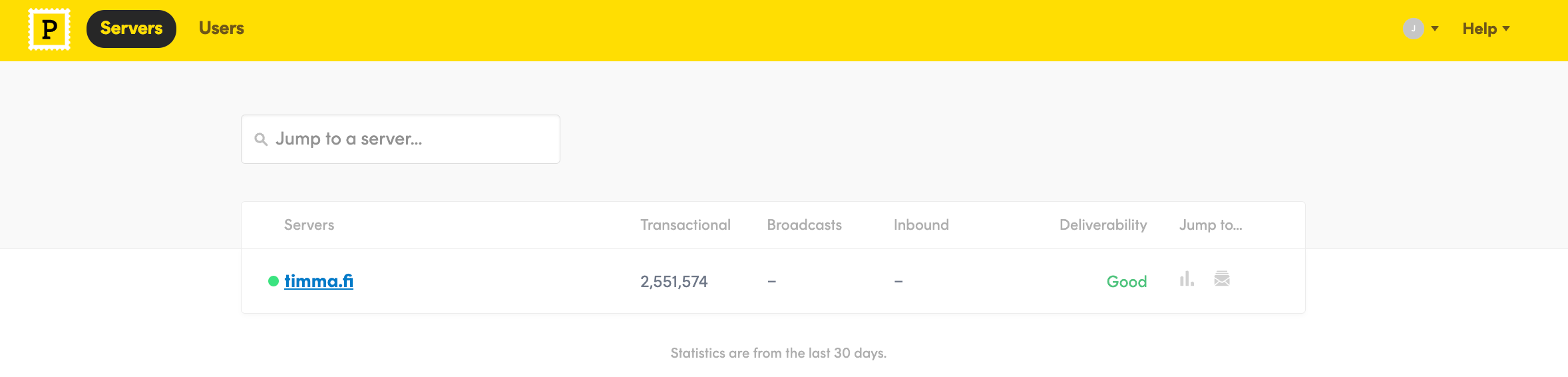
Go to Servers > timma.fi
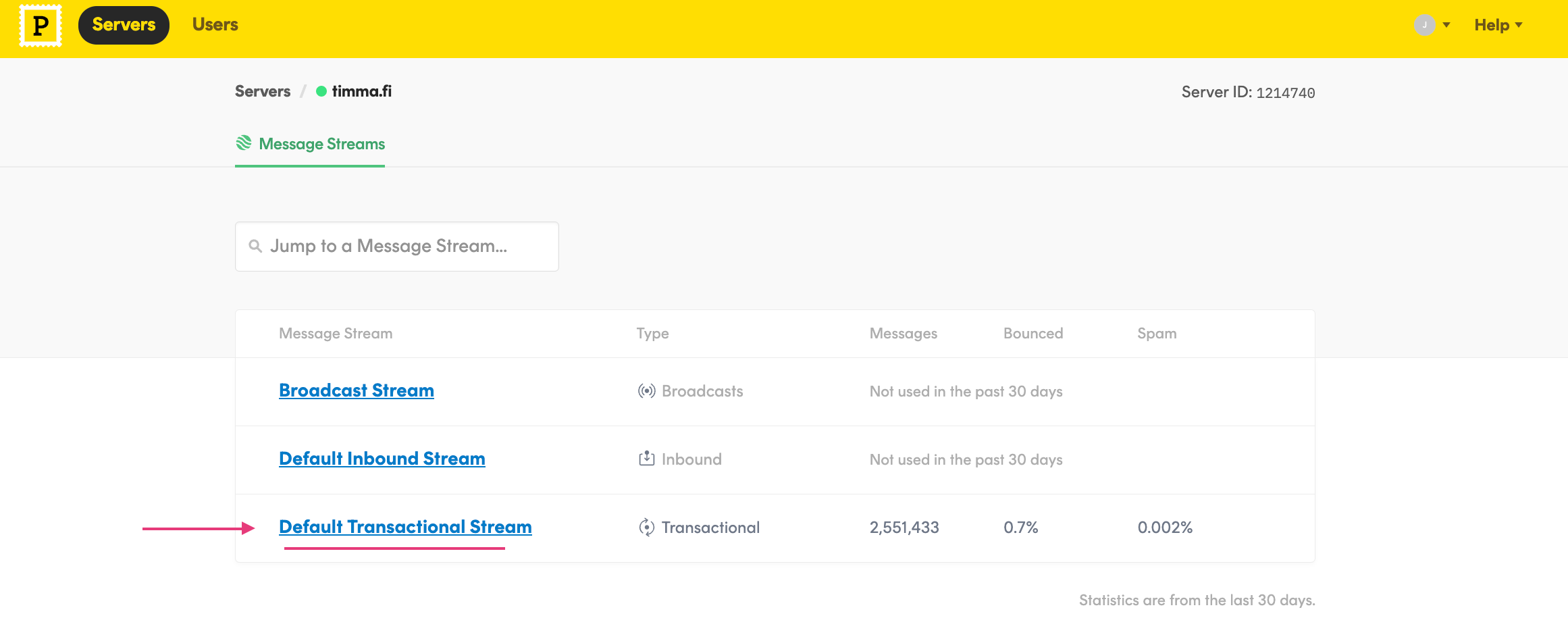
Go to Default Transactional Stream
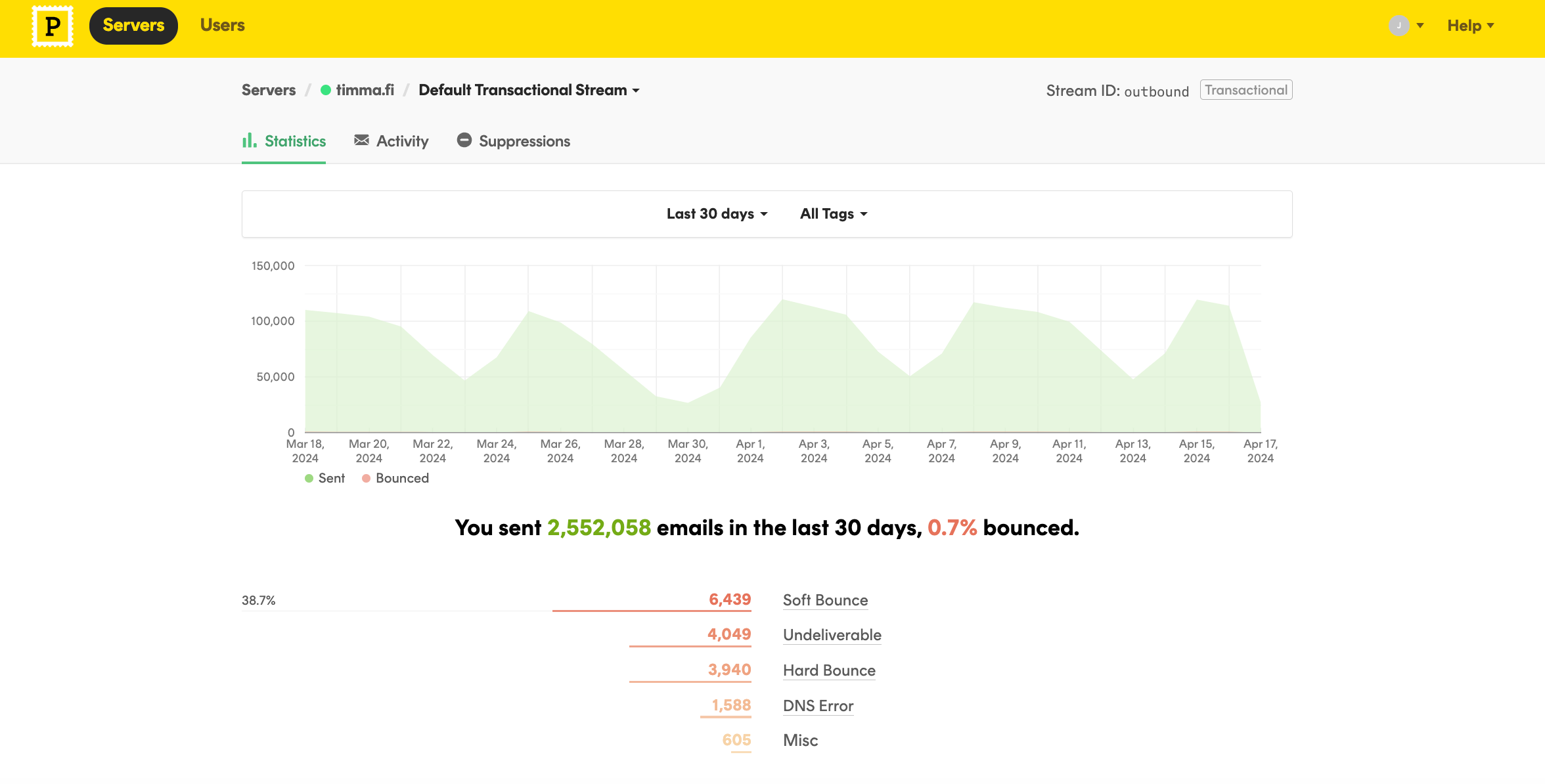
There you will see the options Statistics, Activity, Suppressions.
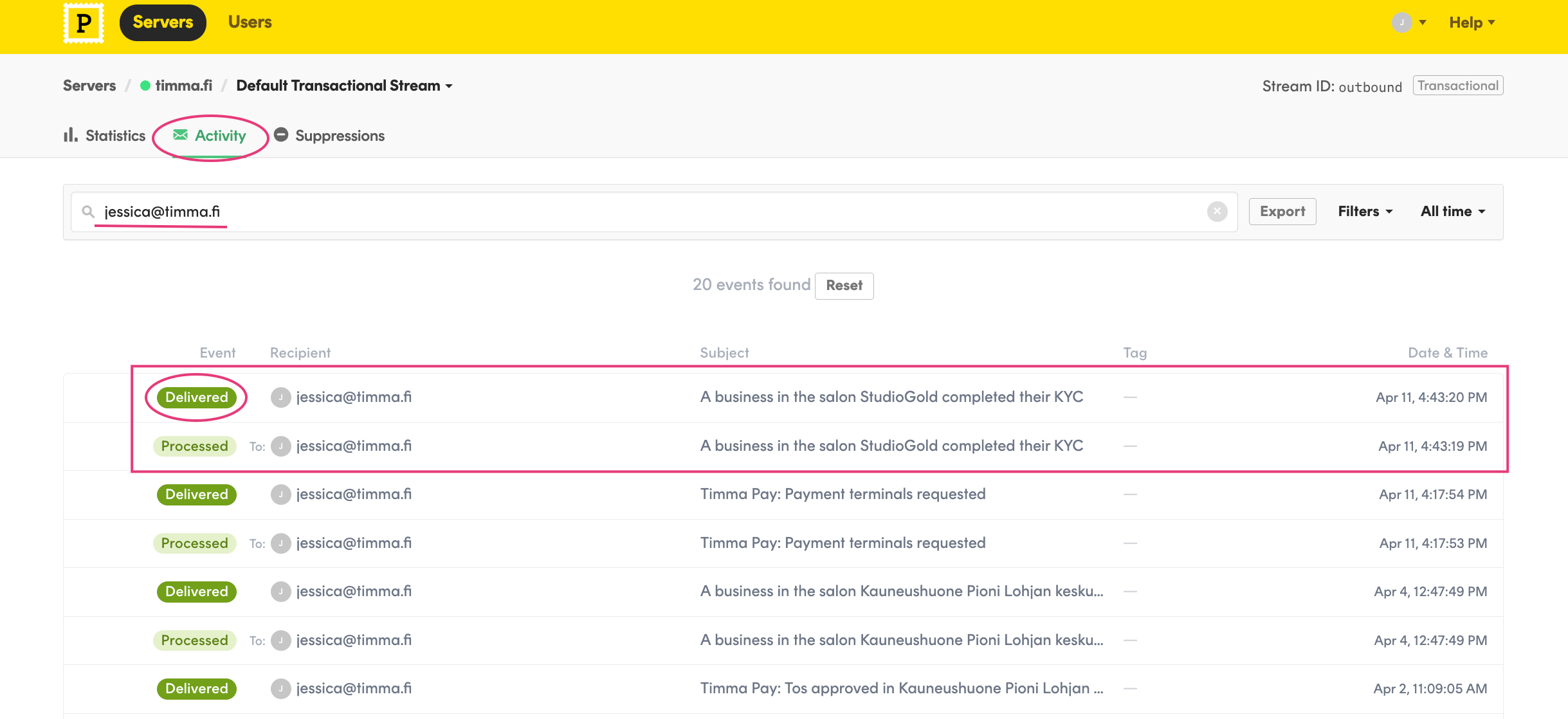
If you want to check whether the recipient has received the email or not, go to Activity. Type in the email address and press enter. Postmark shows all the emails double, one that is processed and one that is actually delivered or not delivered.
This one has been delivered successfully.
If the status says “hard bounce” or “soft bounce” the email has not been successfully sent to the recipient. These types of errors can mean different things; mailbox is full, recipient’s email is not found, the address is spelled wrong or there is some kind of other restriction or spam complaint.
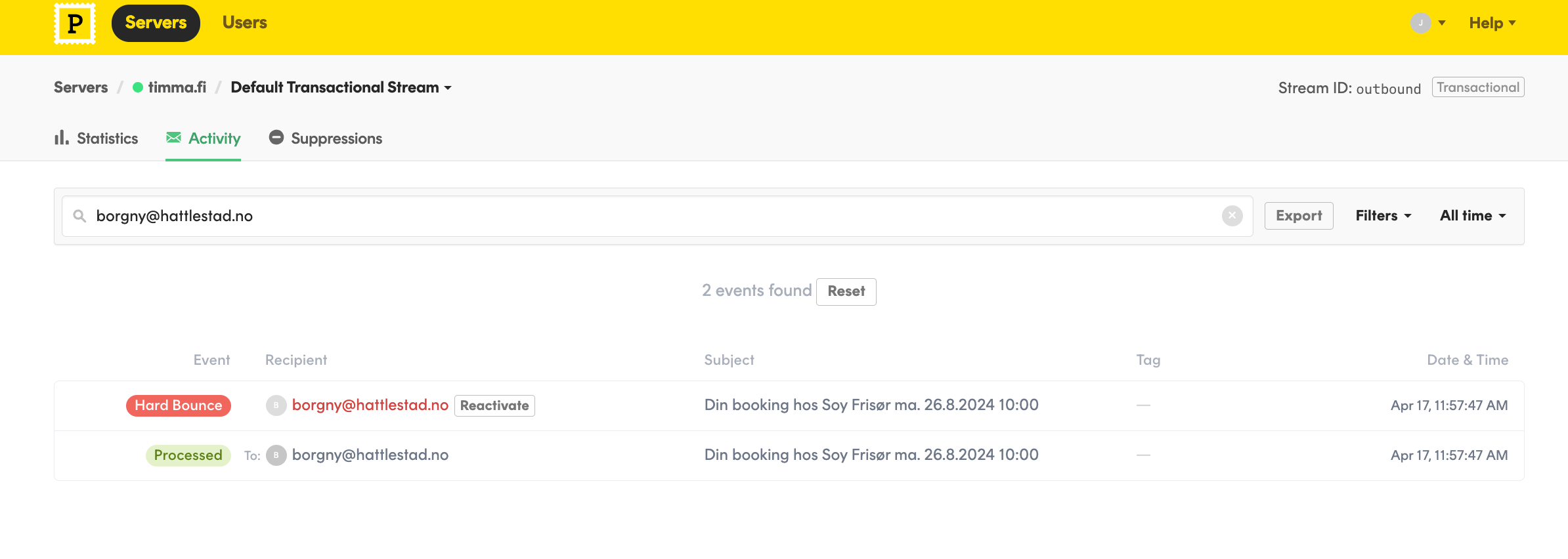
What we can do in this situation is to click “Reactivate”. This will be the cure in most of the cases if the email address actually exists and the mailbox is found.
This email was not sent to the recipient due to a “hard bounce” status. Opening up the message can give you some hint what might be wrong there.
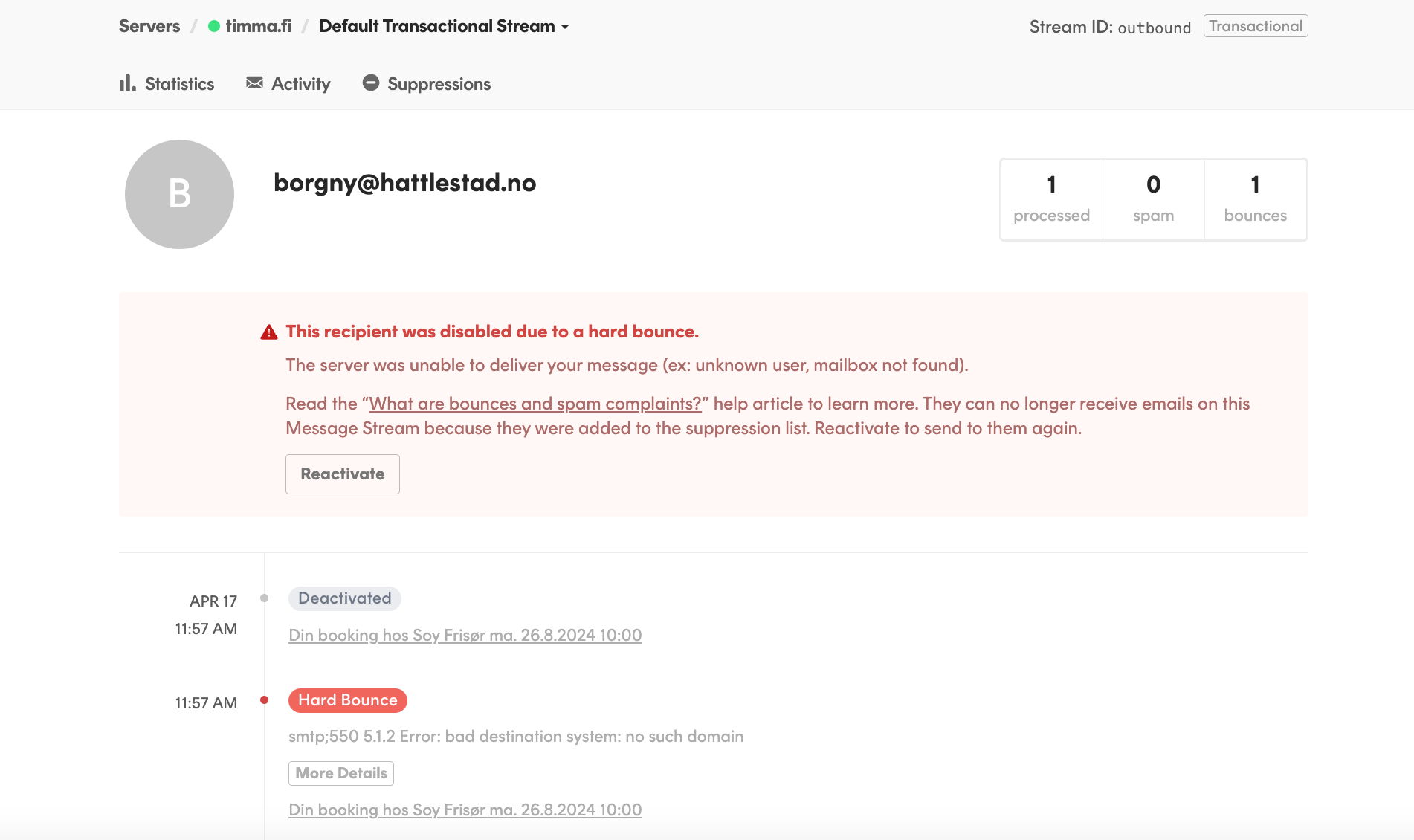
After clicking the “reactivate” button you can test to send something to the customer and see if they gets it or not. Also you can ask the customer to get back if the problem still occurs.
What if nothing shows under the Activity?
If you search from the “Activity” and nothing is shown there, it usually means two things:
- The email has bounced and is found from the last tab “Suppressions”.
- The original message was sent to a different address or some email address with typo.
Darn! No matches found. 🤠
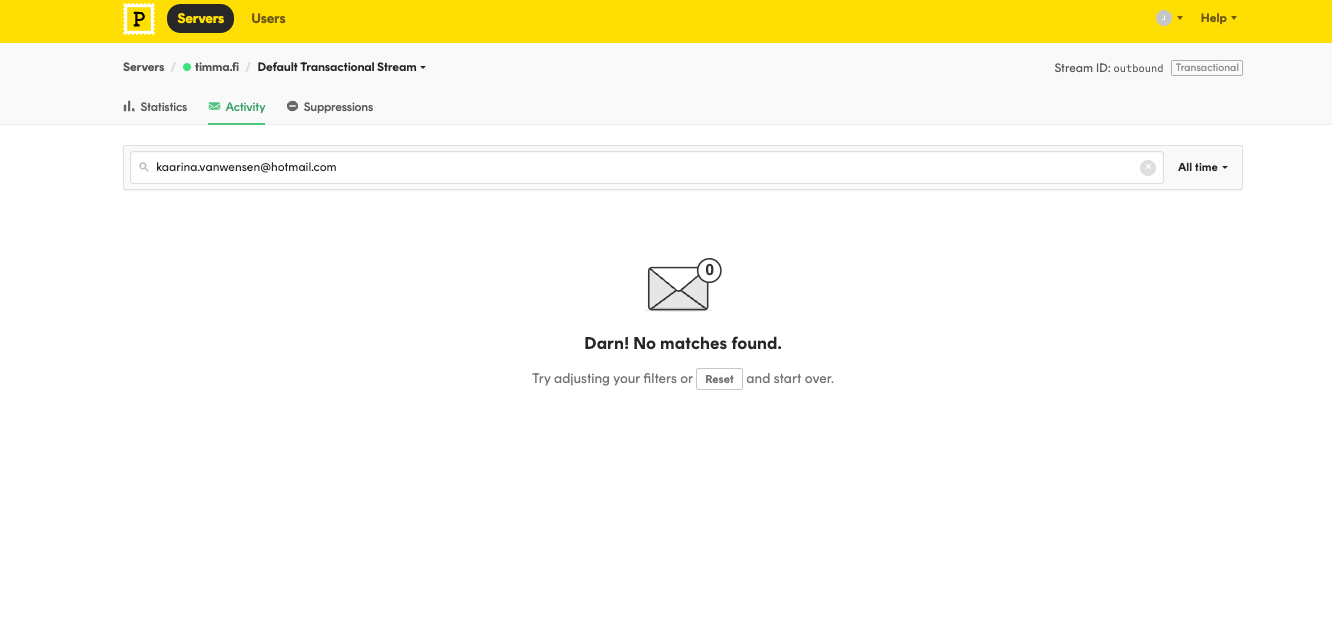
In this case the address was found under the “Suppressions”.
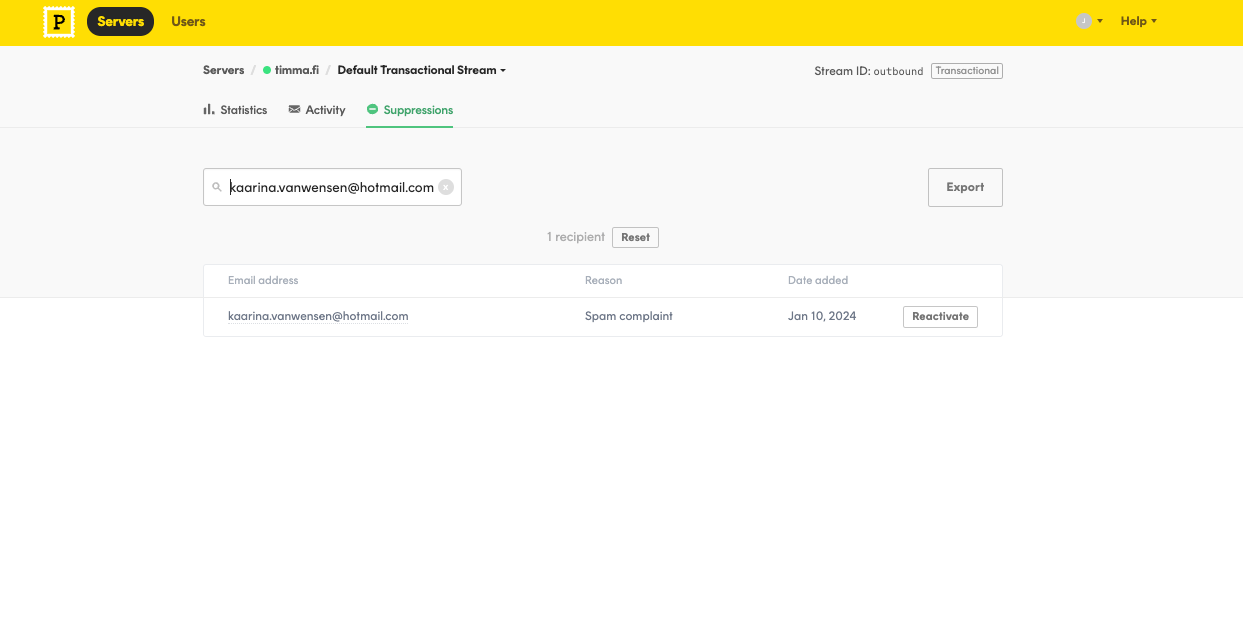
The reason says “Spam complaint” which usually means the customer themselves has clicked it as a spam. Also the email provider can do this type of sorting by its own. You can now reactivate the address and try sending something to that address.
Note! There is not any type of queue or anything so the emails that have bounced are not sent again automatically. So the email must be sent again manually. This is very important in case of a gift card for example.
What to consider with Postmark
- Marketing emails are sent via different place than Postmark.
- We can only see emails sent from the past month. Postmark stores the full contents of every email for 45 days. That includes HTML, plain text, and the raw source. You can read more information here:
45 Days of Email Activity and Content Previews
- There is not any type of queue or anything so the emails that have bounced are not sent again automatically. So the email must be sent again manually. This is very important in case of a gift card for example.