The single invoice view collects all the details of the invoice and the rental premises it relates to: recipient details, payer information, invoicing data, agreements, contact information and the invoice rows. The invoice is opened by clicking its invoice number, for example on an invoicing period or on an agreement’s Invoices tab.
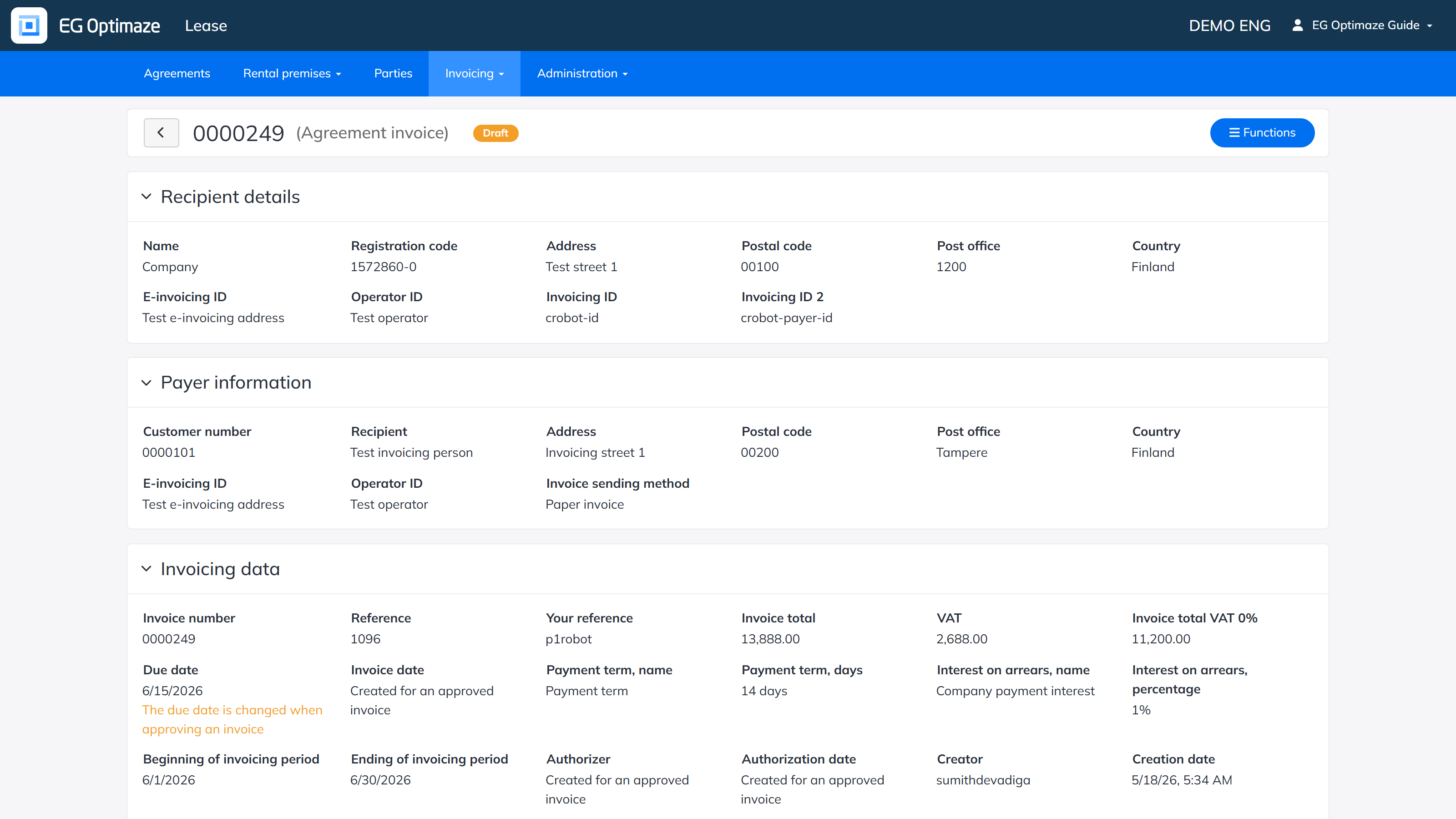
Processing the invoice
The actions available in the invoice’s Functions menu depend on the status of the invoice:
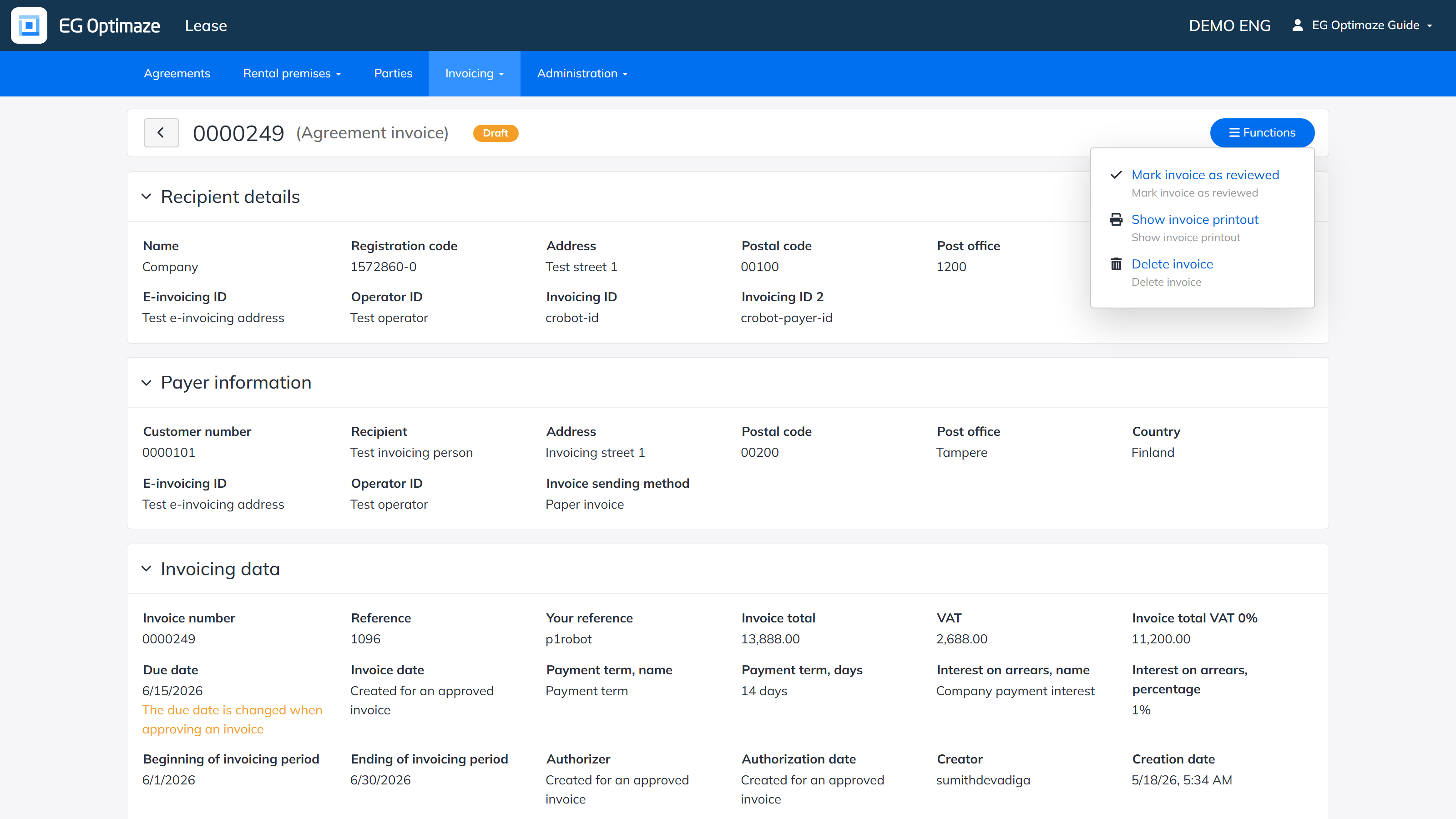
- A draft invoice can be marked as reviewed, shown as a printout or deleted.
- An incorrect invoice can be viewed, shown as a printout or deleted entirely. An incorrect invoice cannot be approved and no credit invoice can be created from it.
- For an approved invoice you can create a credit invoice, discard the invoice or create a PDF printout of the summary page. If errors are found in an approved invoice, its status can be changed to discarded. A discarded invoice can no longer be changed back to a draft and it cannot be approved.
Creating a credit invoice
A credit invoice is created from an approved invoice via the Functions menu. A form opens where the details of the credit invoice are entered; most of the fields are filled in automatically with the details of the invoice and its parties.
The invoice printout
A printout can be created from a single invoice; the printout collects all the details of the invoice. When creating the printout you can choose the language of the template (EN, FI, SV). The printout can be created as a PDF file or printed directly from the screen on paper.
