Indexes are used in rent adjustments to revise agreement rents based on index figures (for example a cost-of-living index). In Index management you maintain the indexes available to your company and their period figures.
Opening Index management
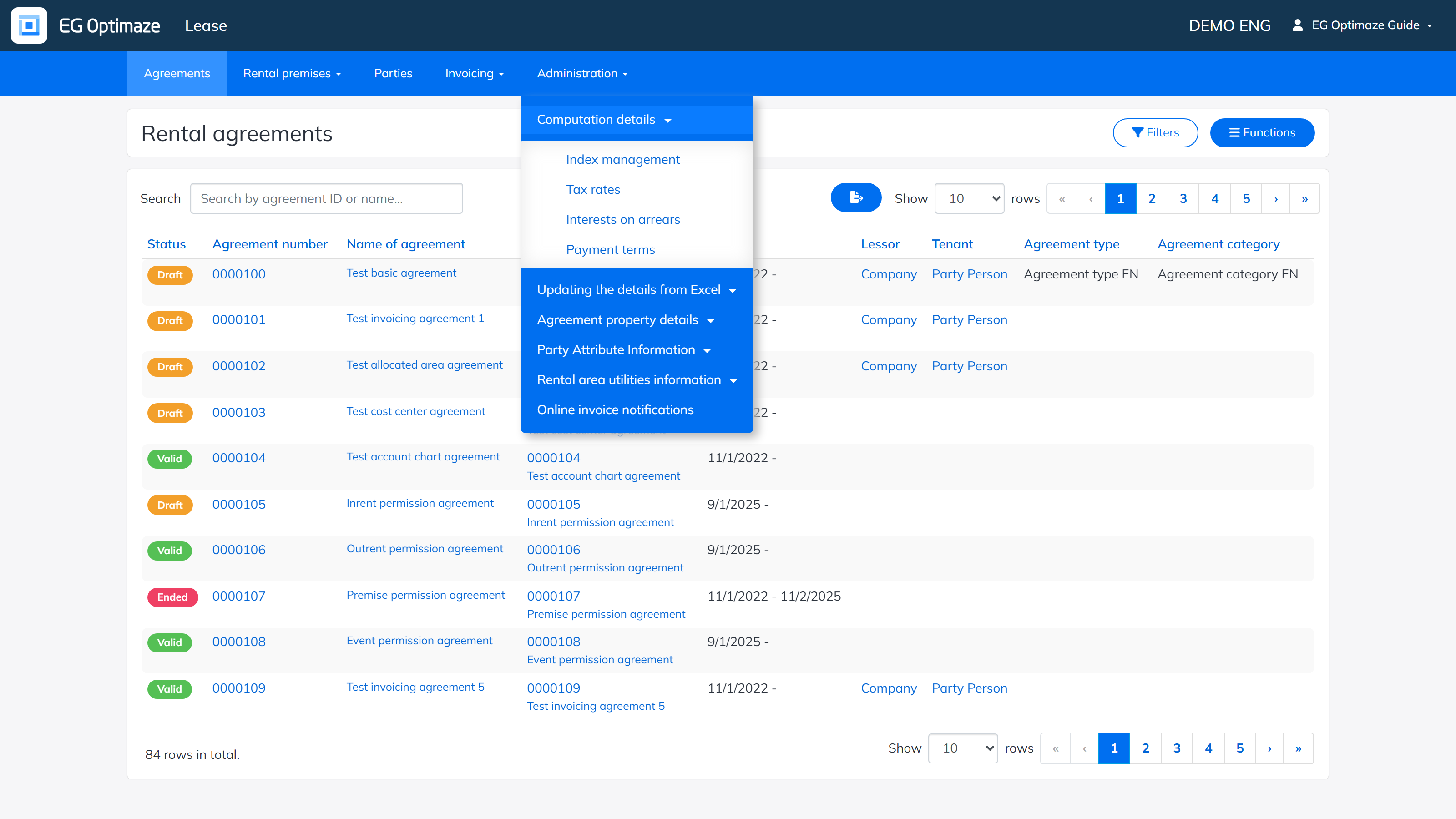
Open Administration → Computation details → Index management.
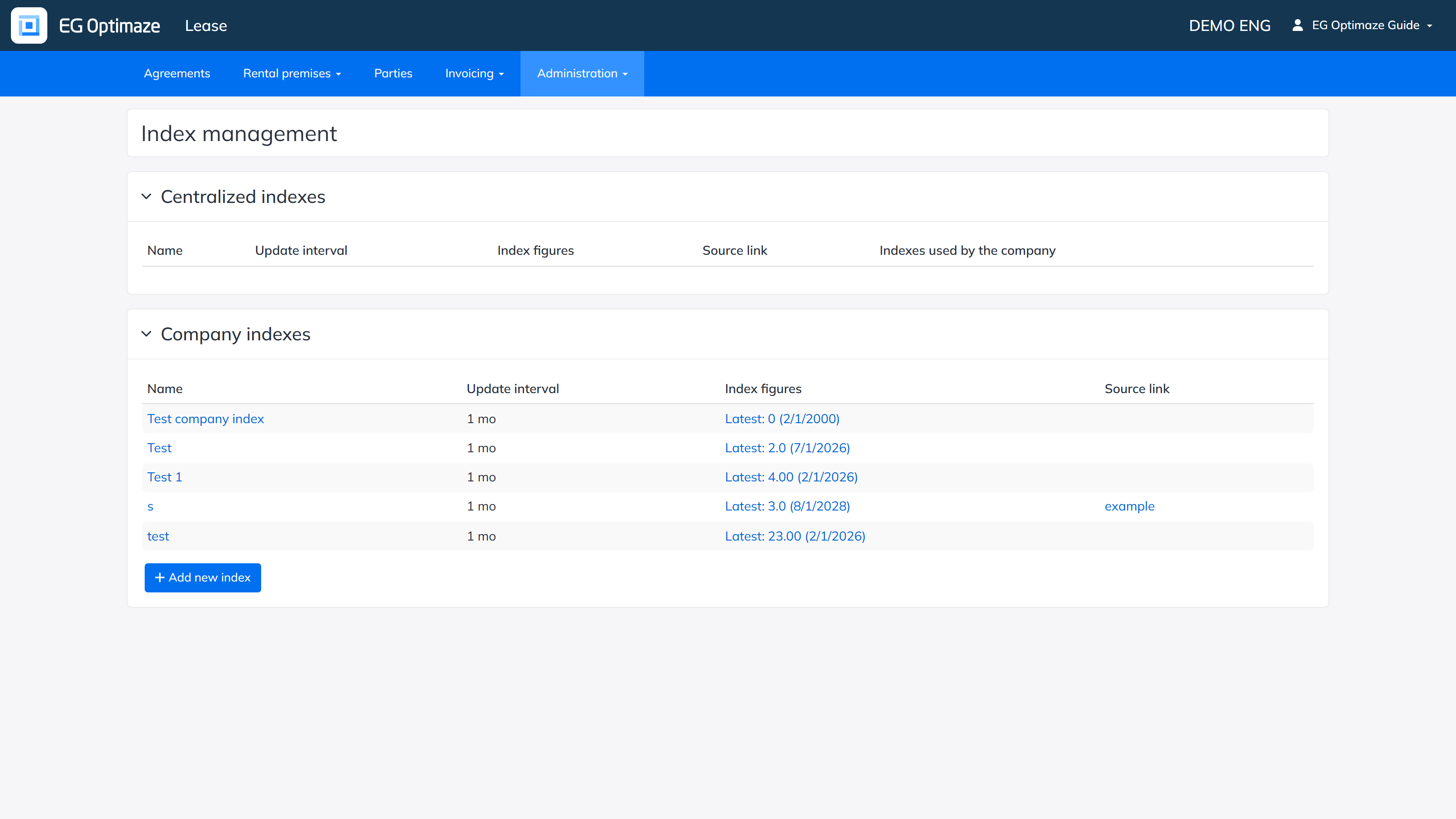
The Index management view
The view contains two lists:
- Centralized indexes — indexes maintained centrally by EG. The column Indexes used by the company shows which of them are in use in your company.
- Company indexes — indexes maintained by your own company.
Each row shows the index name, its update interval, the latest index figure with its date, and an optional source link.
Adding a new index
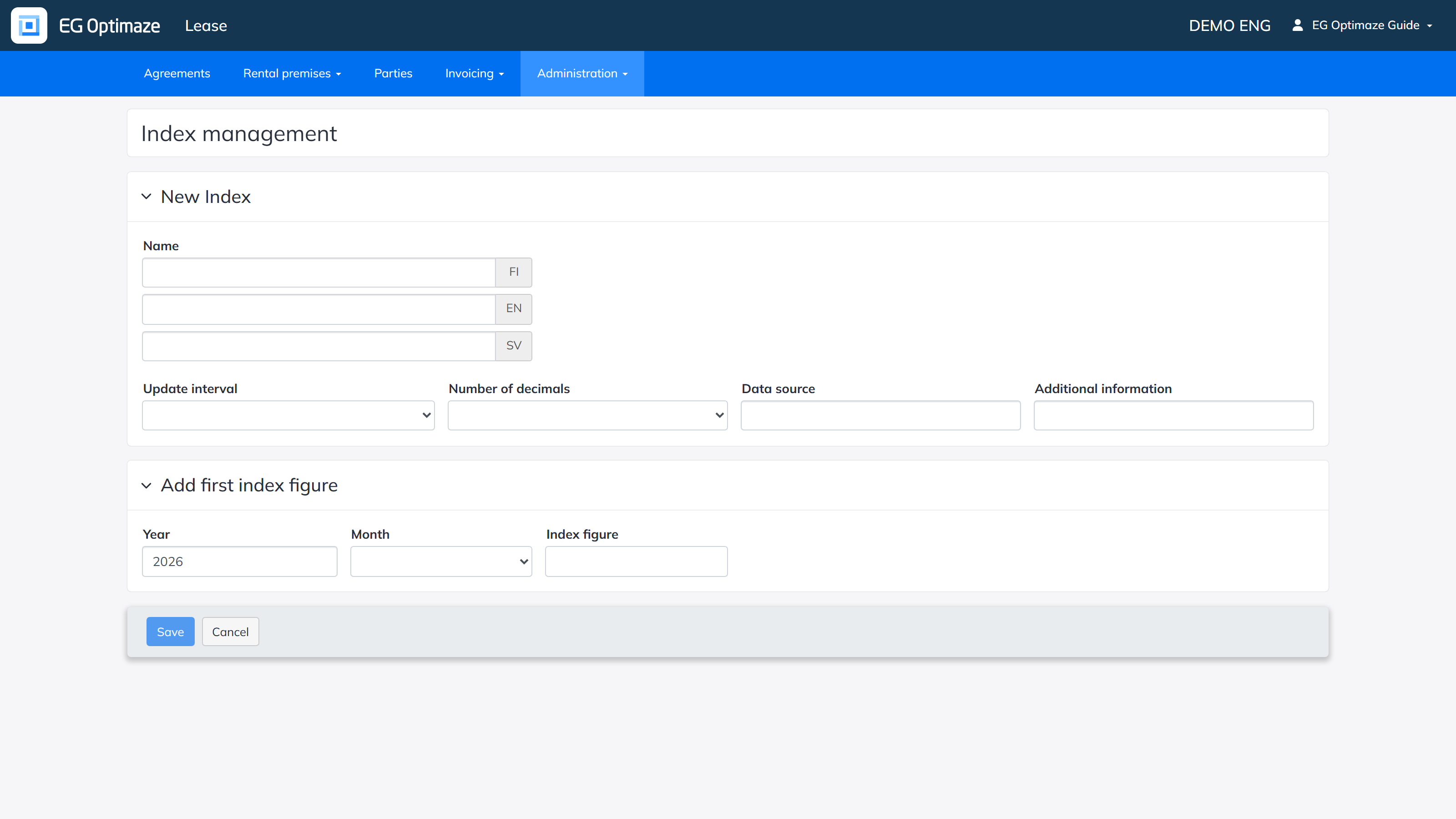
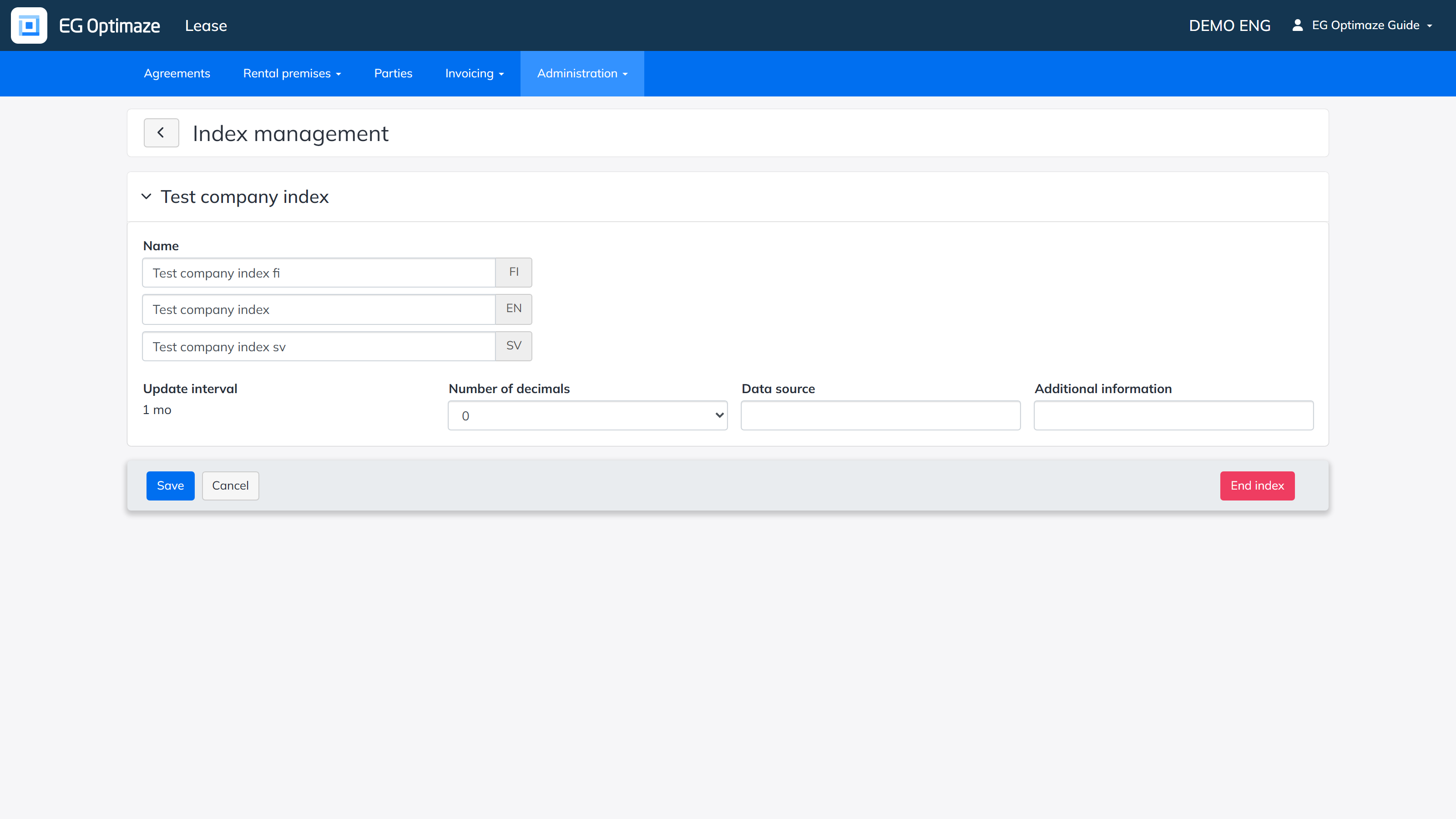
Click Add new index. Enter the index name in Finnish, English and Swedish, select the Update interval and Number of decimals, and optionally fill in Data source and Additional information. Under Add first index figure, enter the year, month and index figure of the first period. Finally click Save.
Note: the update interval cannot be changed after the index has been created.
Editing index details
Open an index by clicking its name in the list. You can edit the names, number of decimals, data source and additional information. The End index button ends the index so it can no longer be used.
Maintaining index figures
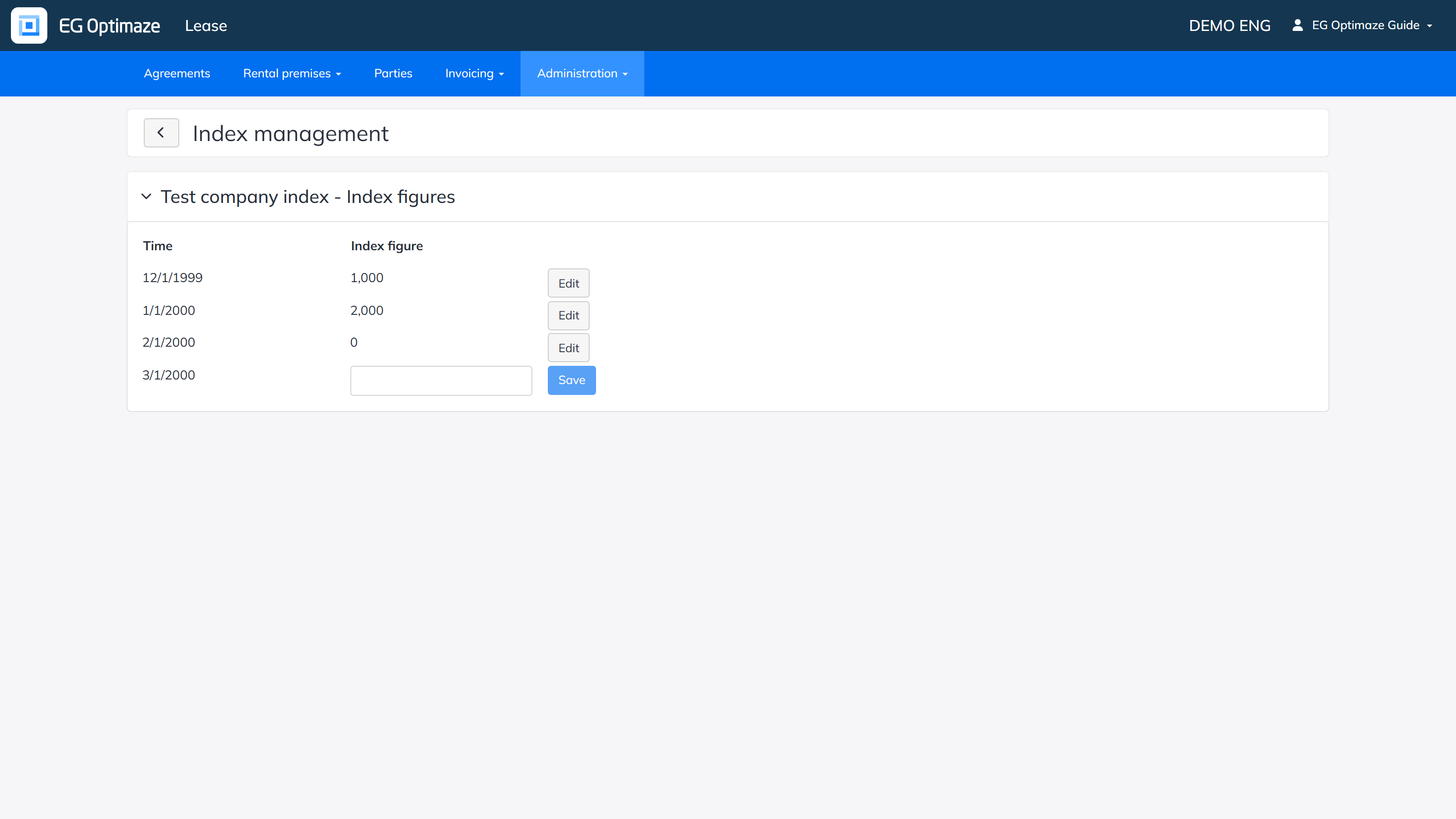
Open the figures by clicking the link in the Index figures column (Latest: …). You can edit previously entered figures with Edit, and enter the figure for the next period and store it with Save.