Creating events
Events are created and managed per agreement on the agreement’s Events tab. An event corresponds to a real-world occurrence outside Lease for which the user wants a reminder inside the system, either for themselves or to be shared with colleagues. Creating events requires a separate user right.
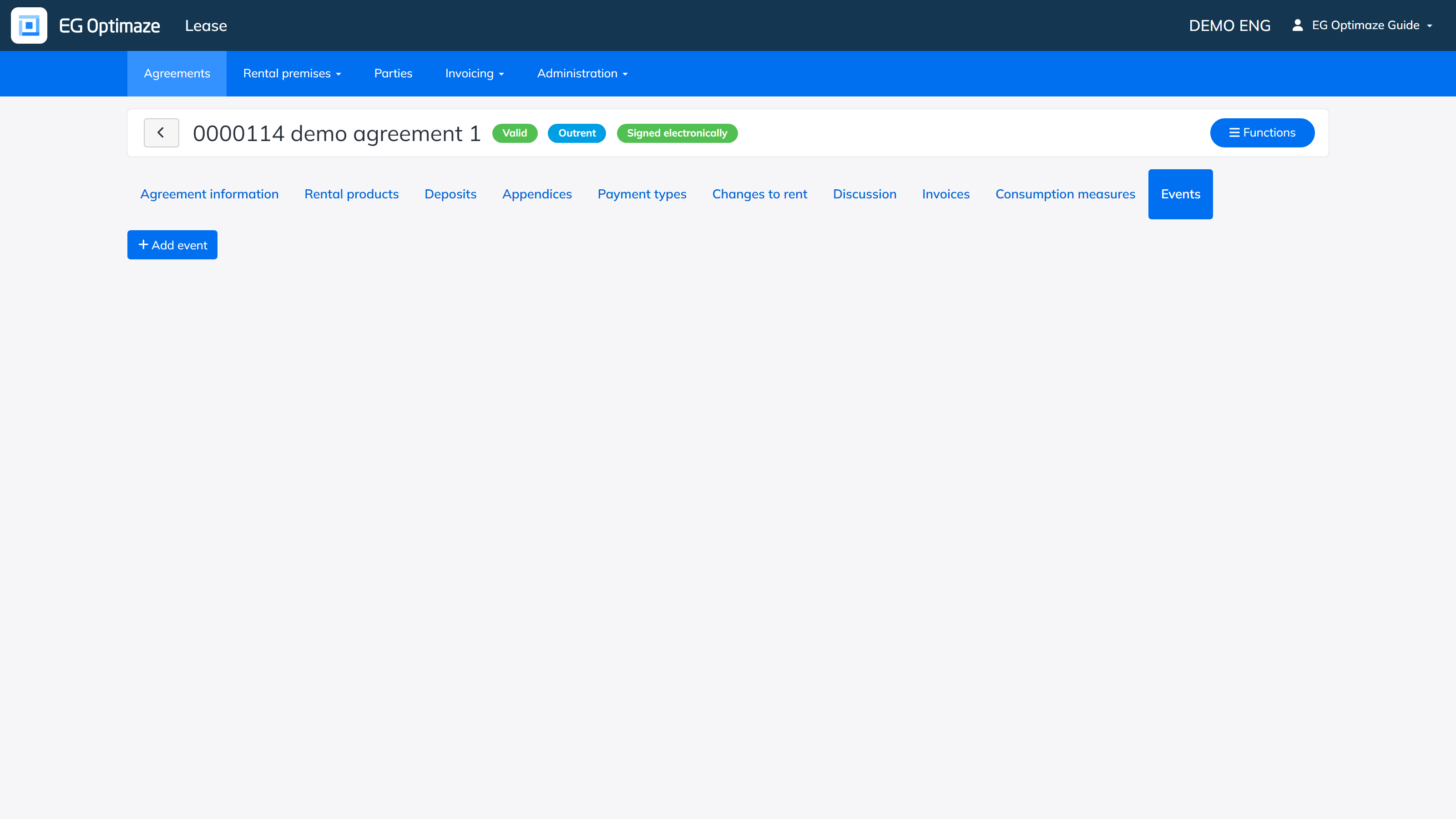
A user can create events of different types freely on an agreement with Add event. The event types are managed in the Administration section.
The user also sees the events created by other users on the agreement, but cannot edit them. A user can however be given a separate right that allows changing the status of an event, i.e. approving it. A timestamp is stored each time any user changes the status of an agreement’s event.
The status of an event can be one of the following: open, in progress or closed.
The columns of an event:
- ID — a running number given to each event.
- Description — a free text field describing what the event concerns.
- Alerted — other users of the system can be attached as alerted, in which case the event becomes visible to them. A user role can also be attached directly, in which case the event is shared with all users within the role.
- Event date — the real date of the event, i.e. when the event actually takes place.
- Alert date — the date that the alert functions of the event are based on, including the computed status of the event.
- Last edited — who created or last edited the event, with a timestamp.
Monitoring events
Events can be monitored via the Events view that appears in the top navigation bar. The top bar also shows the user a warning triangle if the alert date of any event shared with them is on or before the current day.
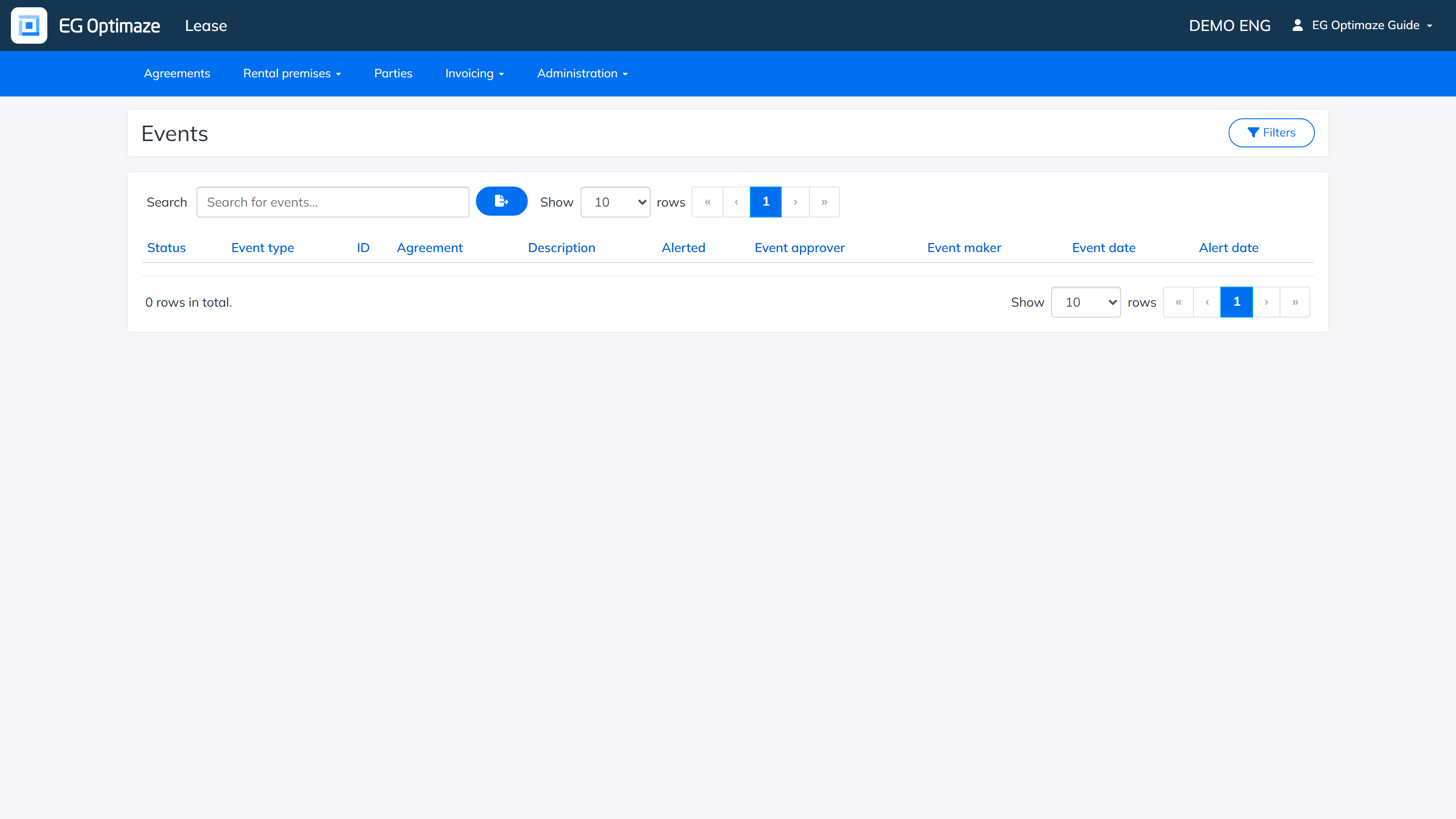
The user sees in the list all events that have been shared with them or that they have created themselves. Via the list you can open the agreement related to the event and move on to viewing the event in detail.
The columns of the list:
- Status — the situation of the event: open, in progress or closed. For an open or in-progress event a computed status is also calculated, based on the alert date and a number of days defined for the company. By default the number of days is 13 days in addition to the current day. The computed statuses (x = the number of days defined for the company):
- Upcoming — current day < (alert date − x). Calculated for open events.
- Active — current day >= (alert date − x) and alert date >= current day. Calculated for open events.
- Late — alert date < current day. Calculated for open and in-progress events.
- Event type — the type selected for the event.
- ID — the running ID number created for the event.
- Agreement — the agreement the event relates to. Can be used for navigating to the agreement.
- Description — the description entered for the event.
- Alerted — the users and roles the event has been shared with.
- Event approver — the latest approver of the event, with a timestamp.
- Event maker — the latest editor of the event, with a timestamp.
- Event date — the event date saved for the event.
- Alert date — the alert date saved for the event.
