This is an instructions for ordering a space management floor plan as a service. If you are not sure what type of floor plan you need, check Adding floor plans.
You must have Space Management role in Optimaze Portal to order a smart floor plan as a service.
Instructions
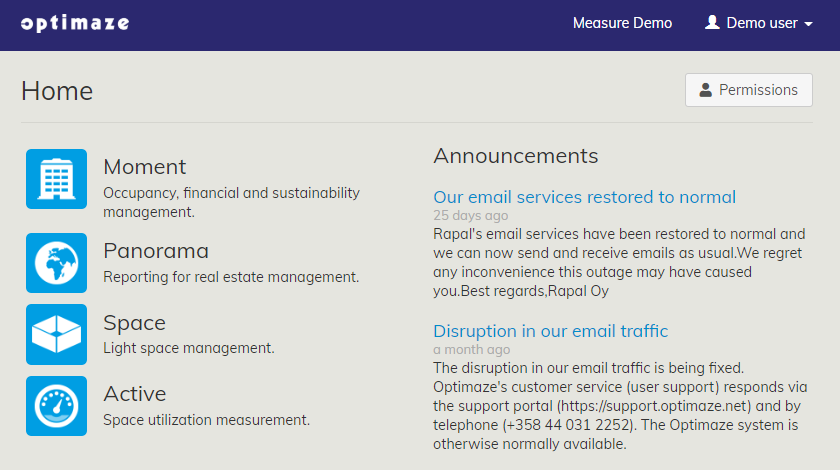
Login to Optimaze portal
Navigate to Optimaze Space
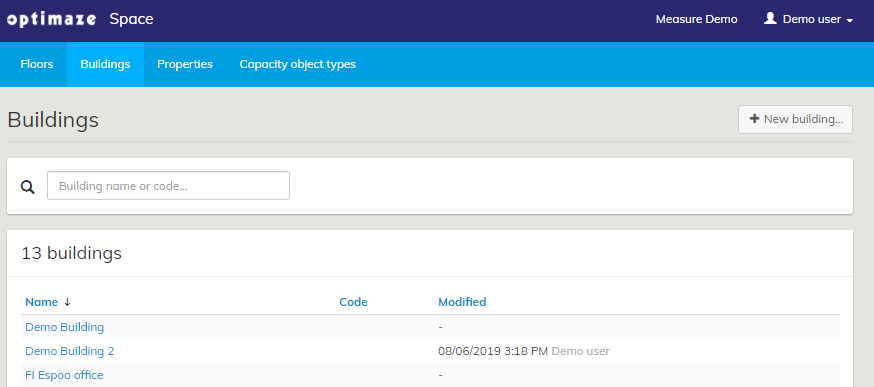
2. Then, go to the ‘Buildings’ tab and click on the ‘New building…’ button
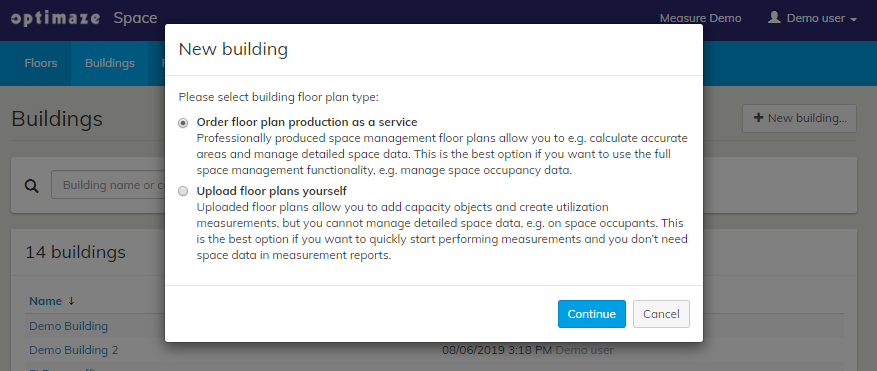
3. Select ‘Order floor plan production as a service’
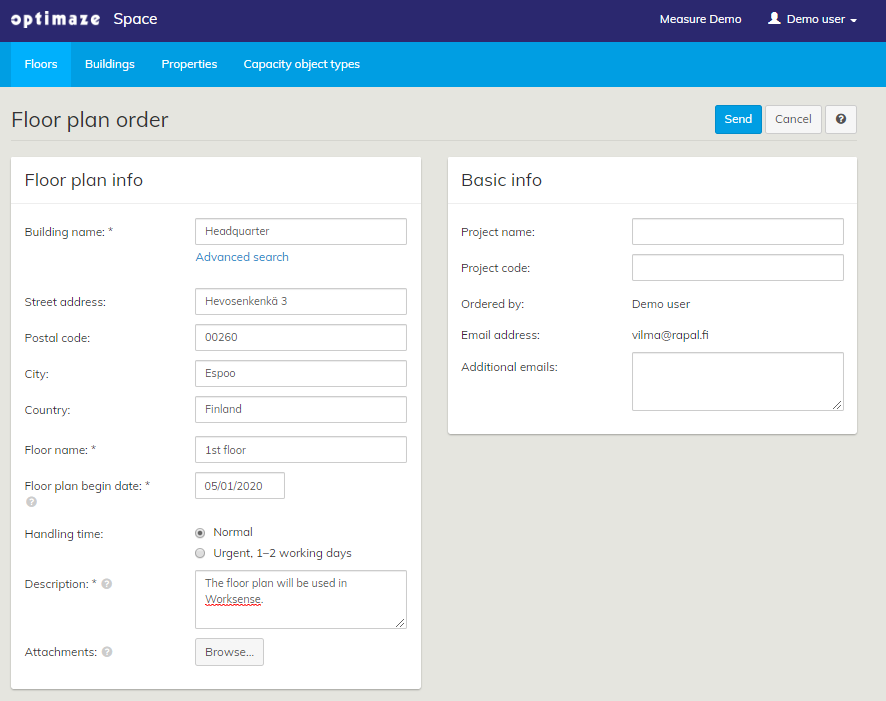
4. Fill in the Floor plan order form and click ‘Send’
Related articles
Content by label
There is no content with the specified labels