Open the internet browser
Go to https://portal.optimaze.net/
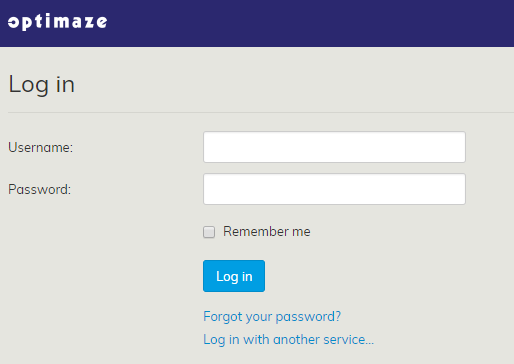
A login window will open up
Enter your user ID and password
Click Log in
| Note! |
|---|
Please note that your organization might use Single Sign On login. In this case, you do not need to enter your user ID and password, as you will get logged in to Optimaze automatically when logging in to your organization’s environment. |
After login you enter Portal
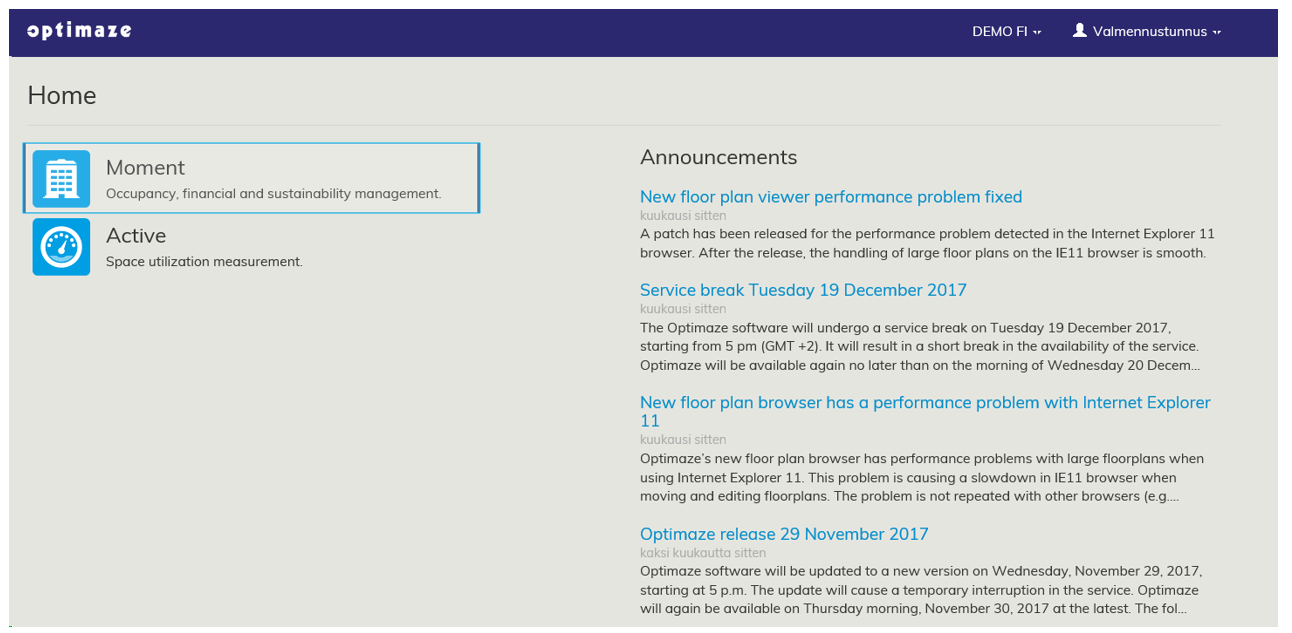
Click Moment icon and then you enter Optimaze Moment.
