Agreement management view
You can access the Agreement management view through both Inrent and Outrent headers.
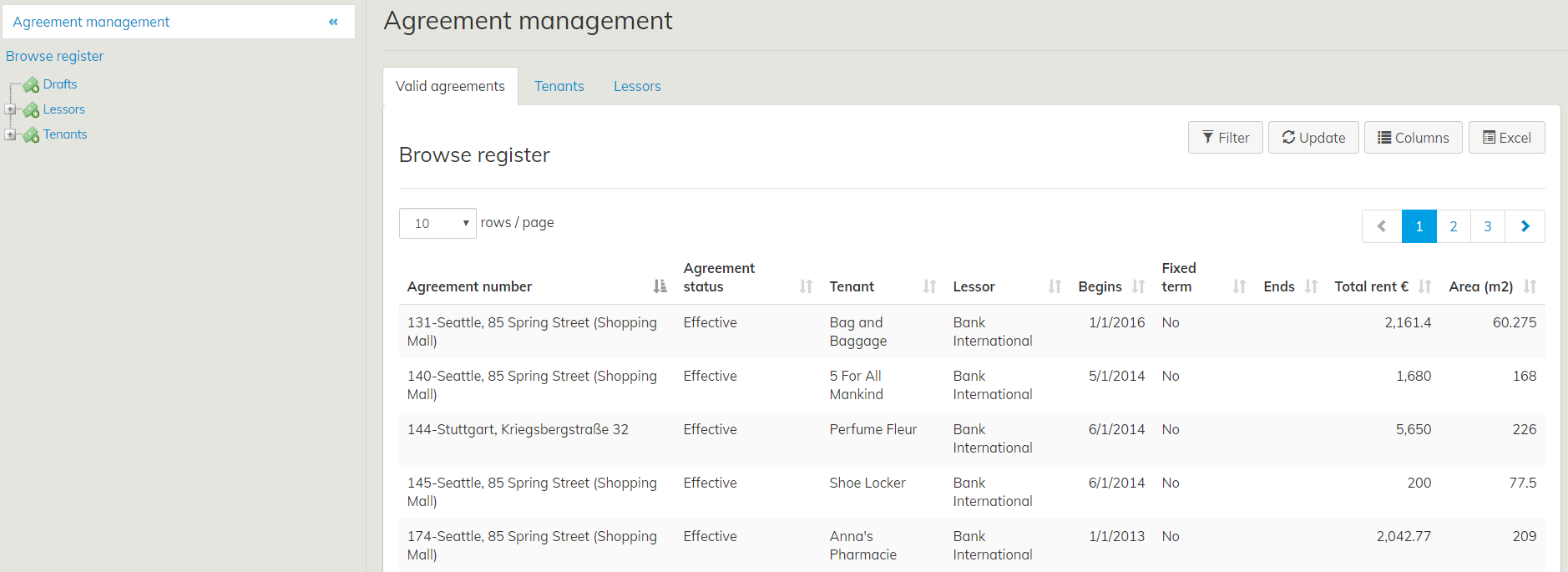
By clicking the Agreement management icon under Outrent or inrent the Browse register window will open. Detailed instructions to Browse registeri function you will find Property and building register instruction.
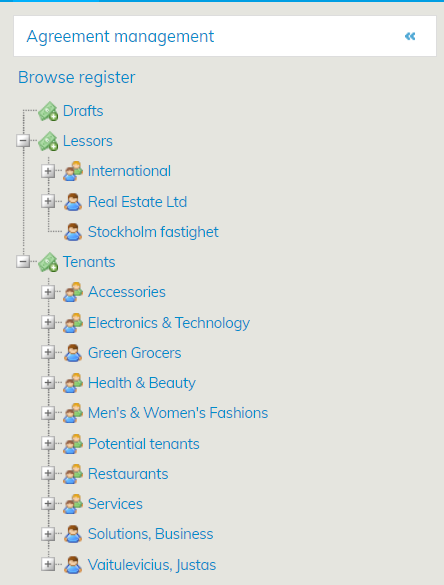
You can manage Tenants and Lessors also in the tree hierarchy. The agreements of each tenant and lessor are listed in the tree structure under the agreement party.
From the Agreement management view, you can review, edit and create lease agreements. Currently on-going agreements, as well as the draft agreements, are displayed in the Agreement management view.
If you want to review a fixed term agreement that has already ended, or an ended agreement, you can find it with the Search function. Alternatively, you can access the agreement from the tenant or lessor summary page.
The Agreement management functions as the agreement party register. Lease management parties, tenants and lessors are listed there in separate tree structures.
You can browse the lessors and tenants, as well as the lease agreements of each party, in the tree structures. For more detailed instructions on managing agreement parties, see sections Managing Tenant information and Managing Lessor information.
Those agreements, for which the tenant or lessor information is missing, are listed under Drafts.
