Rental area management view
You can access the Rental area management view through both Inrent and Outrent headers.
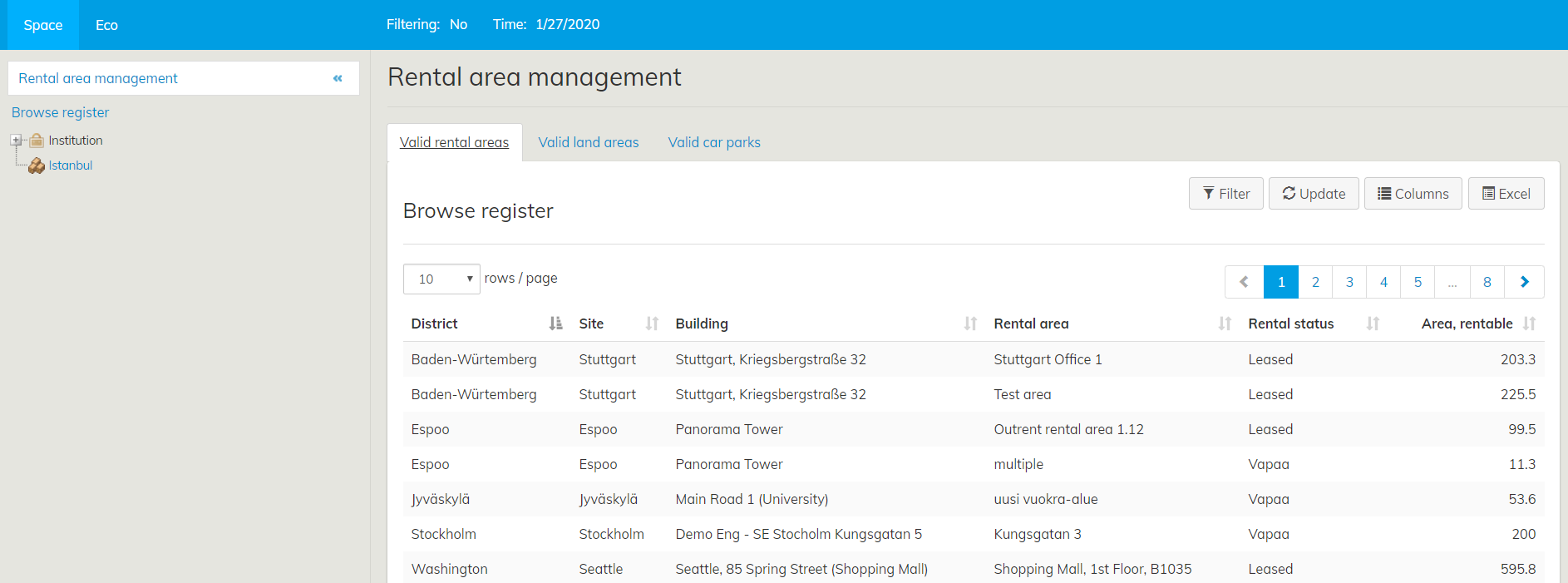
By clicking the Rental area management icon under Outrent or Inrent the Browse register window will open. Detailed instructions to Browse registeri function you will find Property and building register instruction.
Selecting rental areas
You can select rental areas in the Browse register view by clicking the name of the Rental area or you can select rental areas through search, from the building summary page under Inrent rental area, and also from draft agreement forms.
Selecting rental areas with the search tool
You can use search to find rental areas in a certain building, for example. If you need more instructions on how to use search, see the section Search.
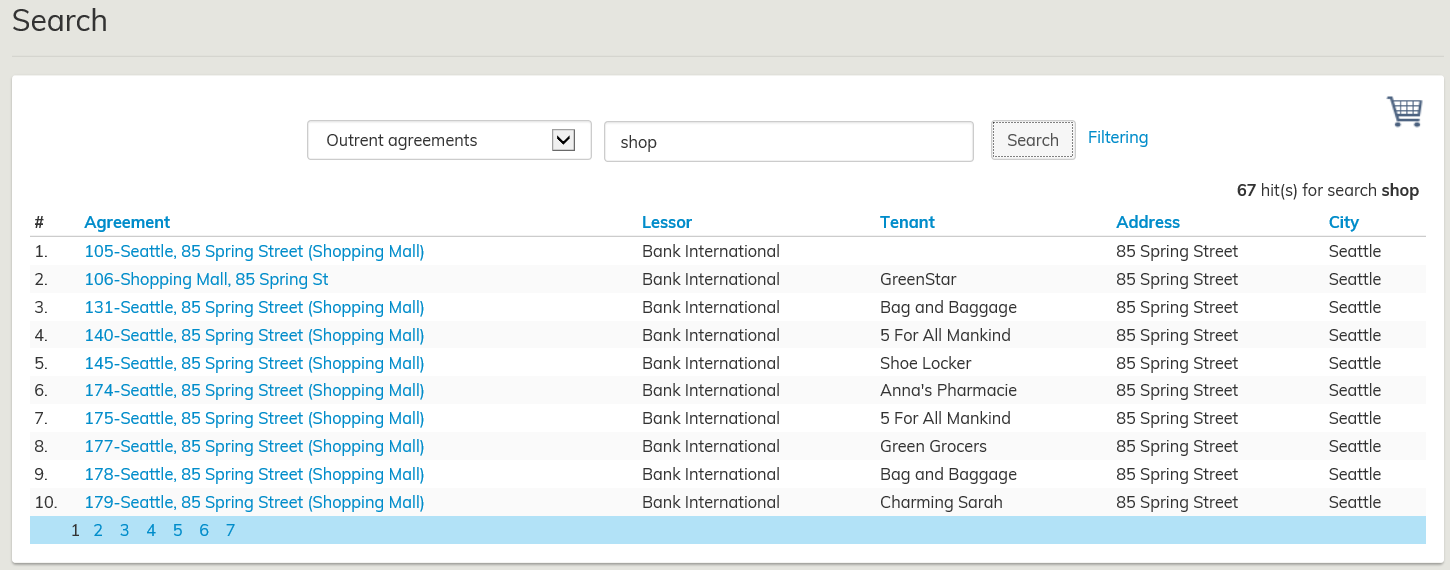
Click search, and a list of rental areas will open up. You can select a rental area by clicking on the rental area name.
If there are several rental areas matching the search criteria, they will be divided onto several pages according to settings. You can select rental areas from all pages.
By clicking on the name of the rental area or building, you can edit the rental area and create agreements.
Selecting rental areas by using the building summary page
Open the building summary page from rental area management.
From Rental areas in the building summary page, you can select rental areas that have been created for the building. Once you have selected the desired rental area, you can create an inrent agreement from the rental area summary page.
Target rent of the rental area
You can set a target rent for the rental areas, and this will be used as a default rent in the agreement.
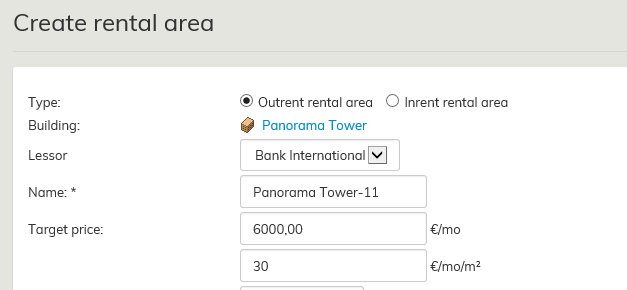
For more information, see the section Rental area target price.
