In the Settings tab, you can edit your user-specific settings.
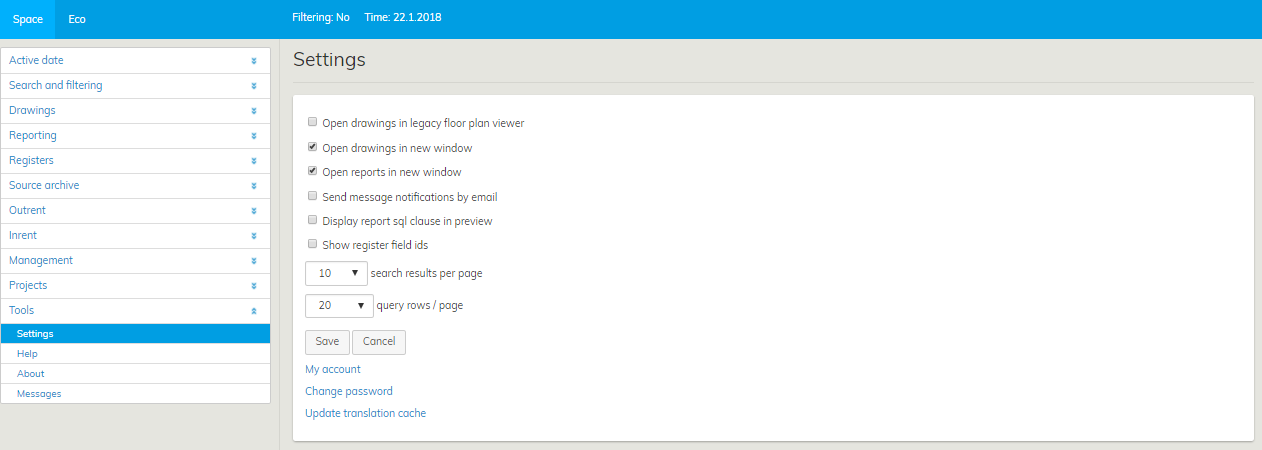
By default, the floor plans in Optimaze are opened in the renewed floor plan browser. If you still want to use the older version for some reason, you can choose to open floor plans in the old floor plan browser. You can also choose to have drawings and reports open up in a new window. This makes using of the software easier, as you can keep a report open, for example, while browsing other displays in Moment.
By default, 10 search results are shown on one page. In Settings, you can determine the number of search results or queries per page.
When you have changed the settings, select Save.
You can also change your password in Settings. Click on the Change password link on the bottom of the page. Change password page will open up. Enter the old password and a new password twice and click on Change password.
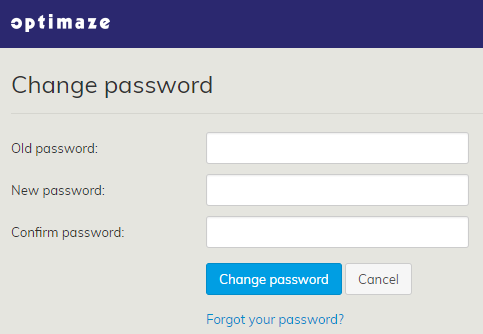
You can access the Change password window from Settings.
