Permissions for Channel access are controlled in Management – Access management – Channel access permissions control.
You can define access rights only for existing users. If you cannot find the user in the user list, you need to add a new user from user management.
Only limited access rights are granted for access management. If the options mentioned above are not visible to you, you do not have access rights for access management.
In addition, Channel access permission control requires that the organization is using the Channel.
Select Channel access permissions control, and a list of users will open up.
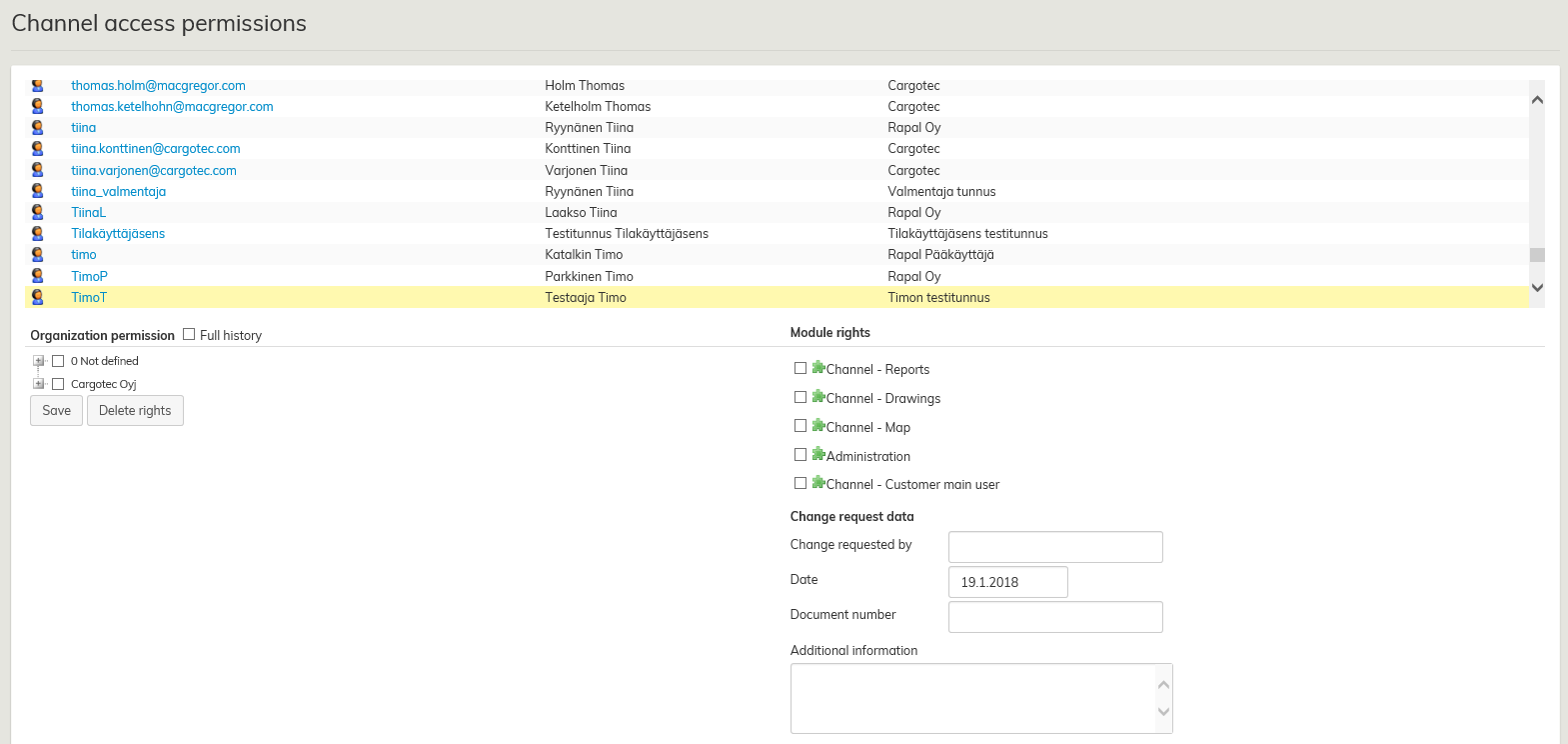
By clicking on the user ID or the icon in front of the user’s name, you can see the organization permissions and module rights at the bottom of the window for determining the access rights.
When you have added or deleted required rights, select Save. Usually, most of the users get the same module rights, i.e. Summary, Reporting and Drawings.
