On the agreement’s Appendices tab you can attach files to the agreement, for example the floor plans of the premises and the original signed rental agreement.
Opening the view
Open the agreement and select the Appendices tab.
Adding and using appendices
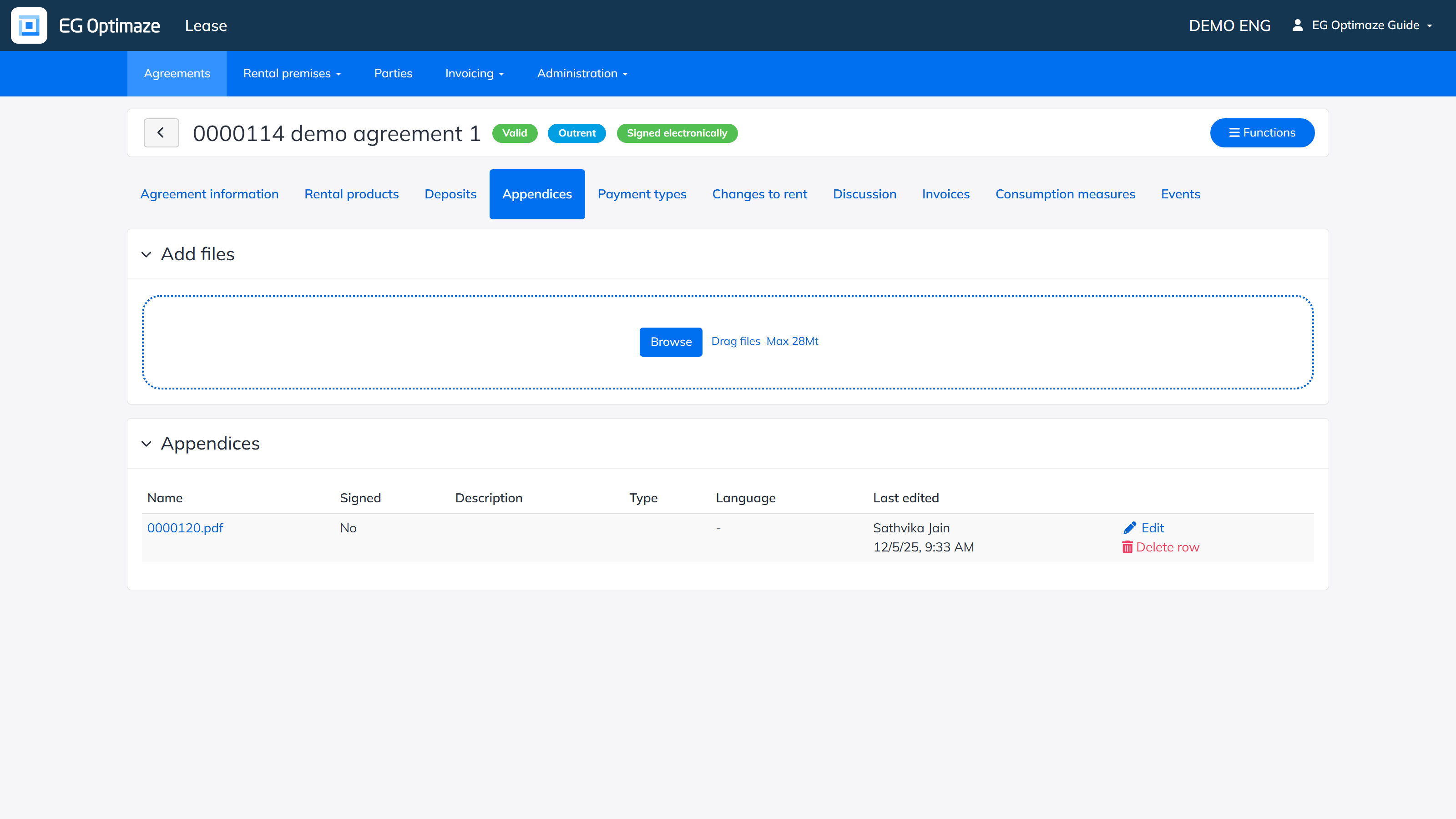
Select the file with Browse, or drag and drop the files into the Add files area. The file is added to the agreement by saving, after which it appears under Appendices. Different file types can be stored (for example pdf, jpeg, docx). An appendix is opened or downloaded by clicking the file name.
The appendices are shown on the agreement printout in the same order as they were added to the agreement. When printing, you can choose whether the appendices are printed with the agreement and which of them. Standard appendices can also be added to the agreement template, in which case they are included on the agreement automatically.
The available appendix types and descriptions are maintained in the Administration section.
