The agreement’s Invoices tab collects the realized invoicing of the agreement.
Opening the view
Open the agreement and select the Invoices tab.
The Invoices view
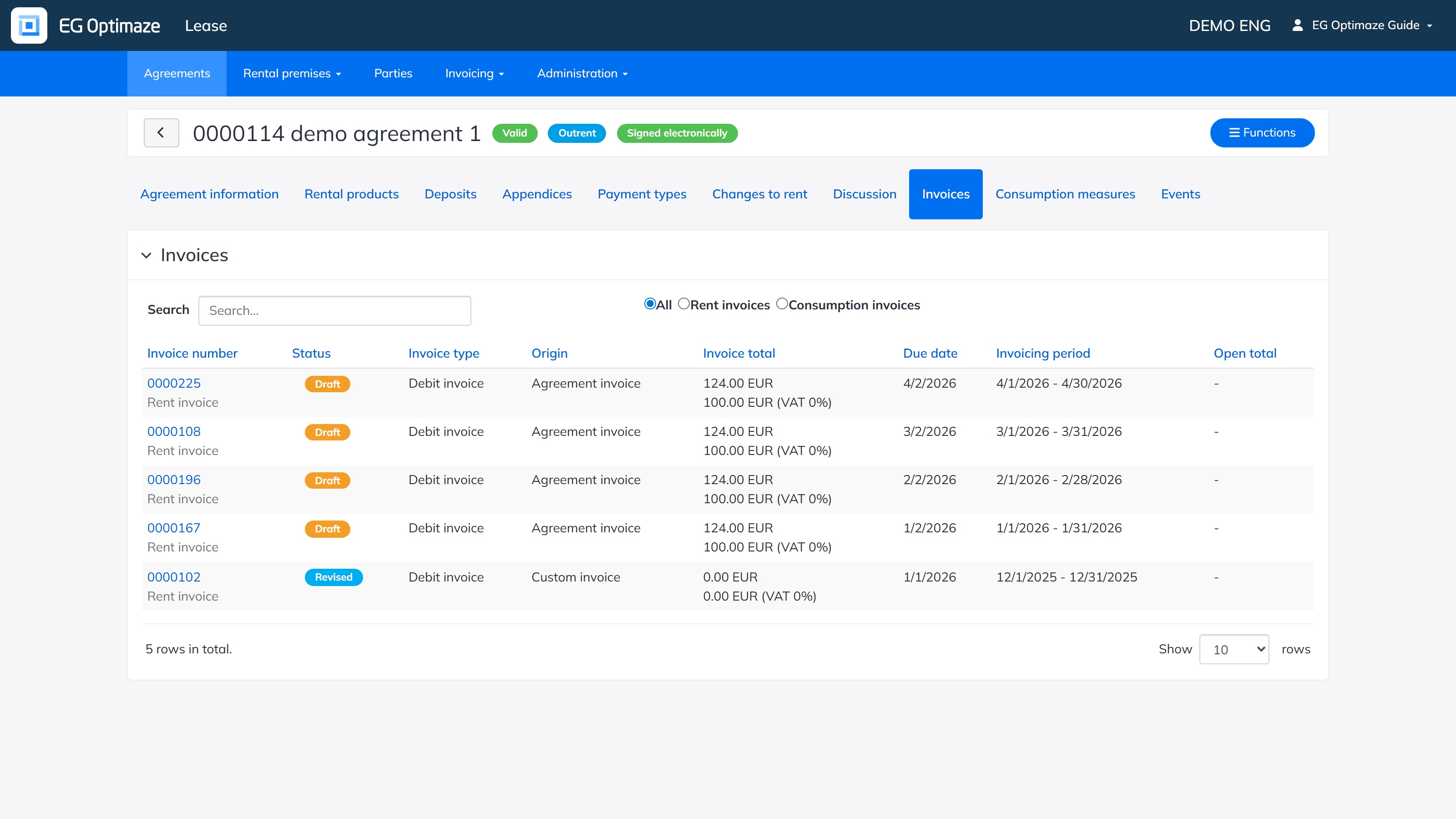
The list shows each invoice’s Invoice number, Status (approved / draft / incorrect / reviewed), Invoice type (debit / credit), Origin (agreement invoice / single agreement invoice / deposit invoice / custom invoice), Invoice total, Due date, Invoicing period and Open total. The list can be limited to rent invoices or consumption invoices. Clicking the invoice number opens the details of the invoice.
Invoices in draft status can be marked as reviewed, shown as a printout or deleted via the Functions menu. See the Invoicing section for the invoice statuses and processing.
