...
To determine a payment type for an agreement, go to the Payment types tab on the Agreement summary page. A separate payment type may be chosen for each rent item.
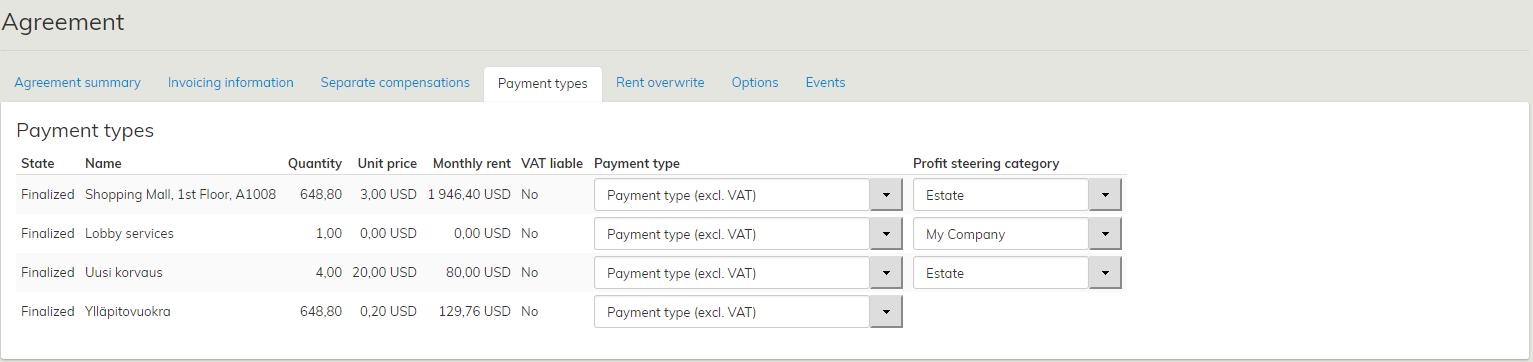
The payment types displayed are those specified on the lessor or tenant summary page.
Also the payment types of a draft agreement can be edited in the Payment types tab.
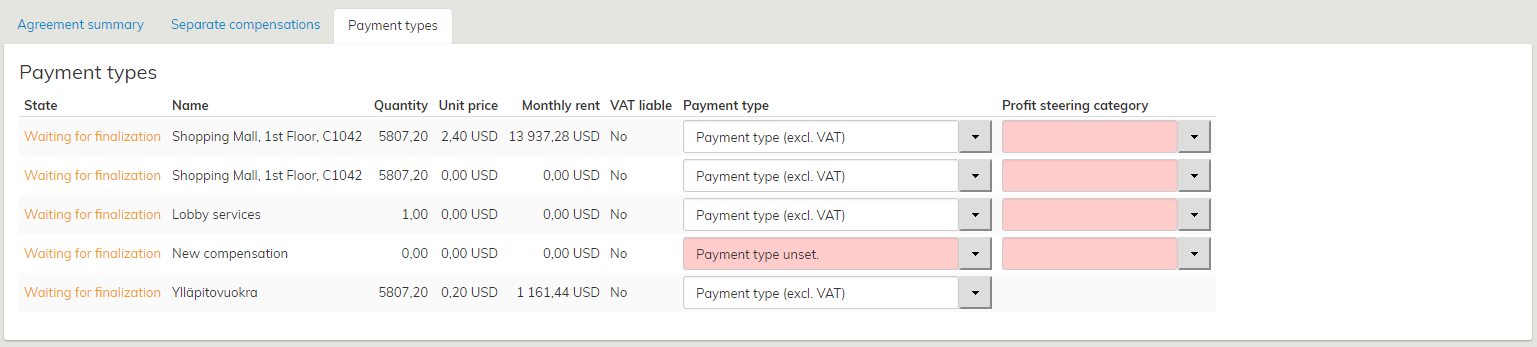
In the Payment types tab of a draft agreement, the user is notified that the agreement is not yet operational.
...
Adding a tax to a payment type
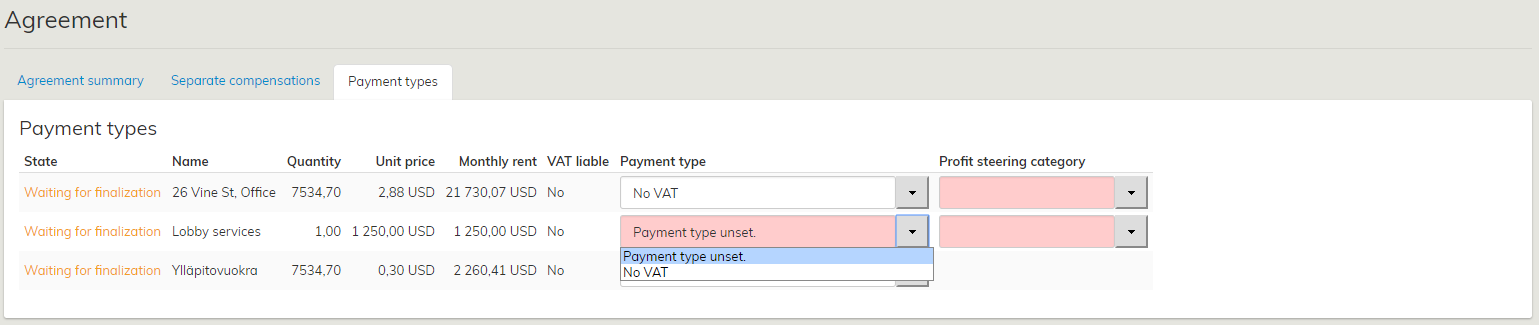
When a new tax has been entered into the system, it must be added to the appropriate payment type.
...
In lease management, select the tenant or lessor, whose payment types you wish to edit.
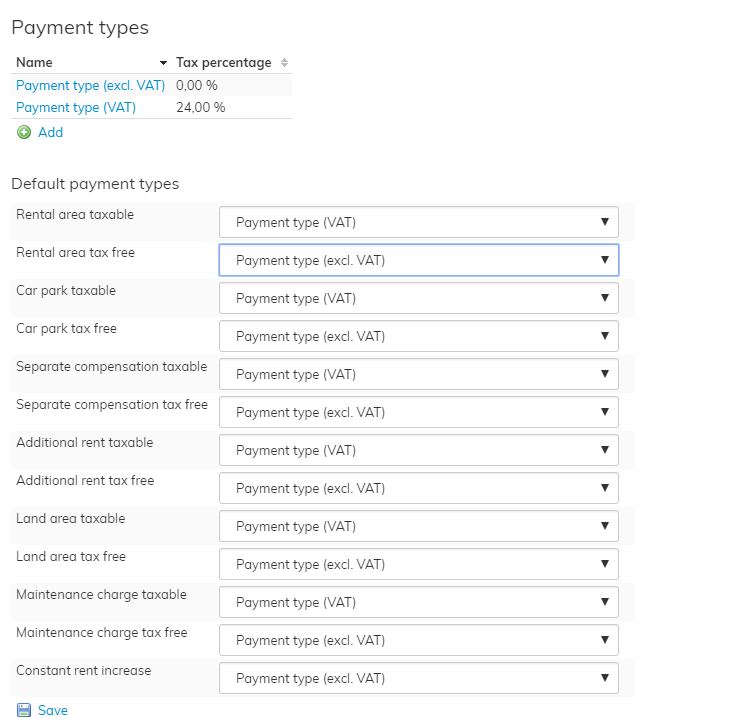
- Open a payment type for editing by clicking on its name, e.g. Rental area taxable.
- Select the tax from the Tax pull-down menu. (Taxes are entered in the system on the Tax management page.)
- When you have selected the appropriate tax for the payment type, click Save.
...