Both tenant and lessor can choose to end the agreement.
Once you have received a notice of termination from the lessor or the tenant, find the agreement either with the search function,
or select it under the customer in the agreement register or from the building summary page in rental area management section.
Open up the agreement summary page and click End the agreement on the right.
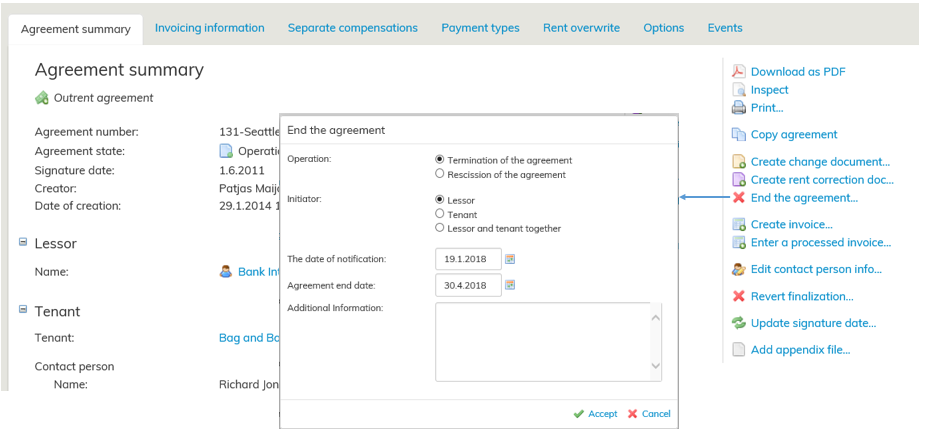
Enter the operation, initiator, the date of notification and the agreement end date. Once you are done, select Accept.
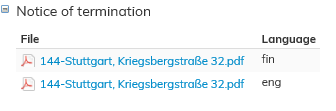
Termination and rescind documents can be found in the agreement summary page in PDF format.
