Agreement
Before you can make the actual agreement, you always have to create a draft agreement. The actual agreement is made when the draft agreement is accepted.
Search for the agreement waiting to be accepted by using the search function. Alternatively, open the information page of the customer whose draft agreement you wish to edit in the lease management section.
Select Accept on the right of the workspace. The software will ask you to fill out the signature date that will be added to the agreement.
If there are any conflicts with other agreements, you will be notified of them here. The signature date cannot be entered until all conflicts have been resolved
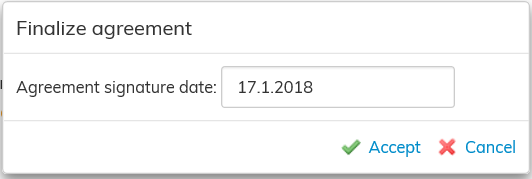
When the agreement has been accepted, the agreement information is displayed in the reports, as well as in the invoicing data and the inrent invoice.
Status of the lease agreement
The status of the lease agreement, i.e. is the agreement operational, starting, terminated or a draft, has an effect on the information displayed in the agreement.
A saved agreement shows in Optimaze as a draft, until it is accepted. Once the agreement is accepted, its status changes to Accepted agreement.
The status of the agreement also determines, for example, if the agreement is displayed on reports.
