Select the lessor’s name, contact person and invoicing contact person from the pull-down menus.
Address and other contact details come automatically from the database.
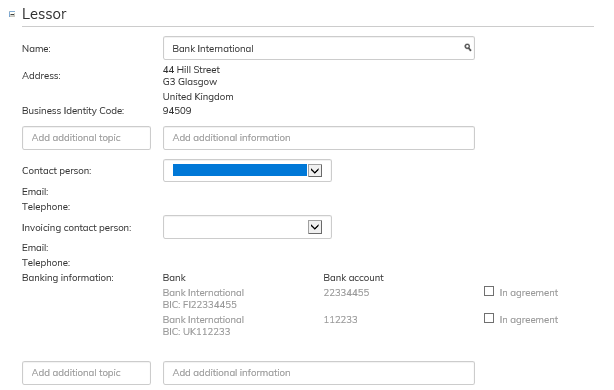
If the lessor has several bank accounts entered in their details, select the account(s) to be shown in the agreement by ticking the “In agreement” check box.
New lessor
If you notice while filling out the lease agreement form that the lessor has not yet been created in the system, you can start creating a new lessor also from this view.

When you are writing a lessor’s name in the field but the software does not find the name from the lessor register, the option Create new lessor appears on the right side of the Name field.
Fill out the lessor’s information according to the instructions given in section Managing Lessor information.
