Rental area is an area marked in the floor plan, and it might consist of multiple spaces.
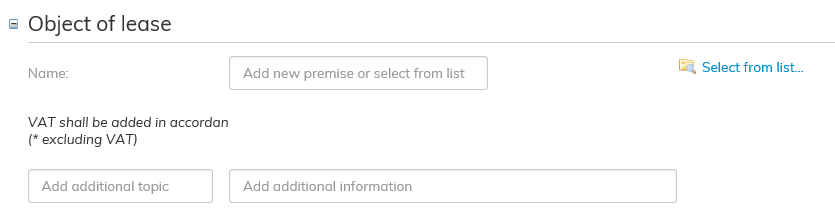
Add the object of lease that you wish to add to the lease agreement.
Click on the blue Select from list... on the right-hand side next to the Object of lease field.
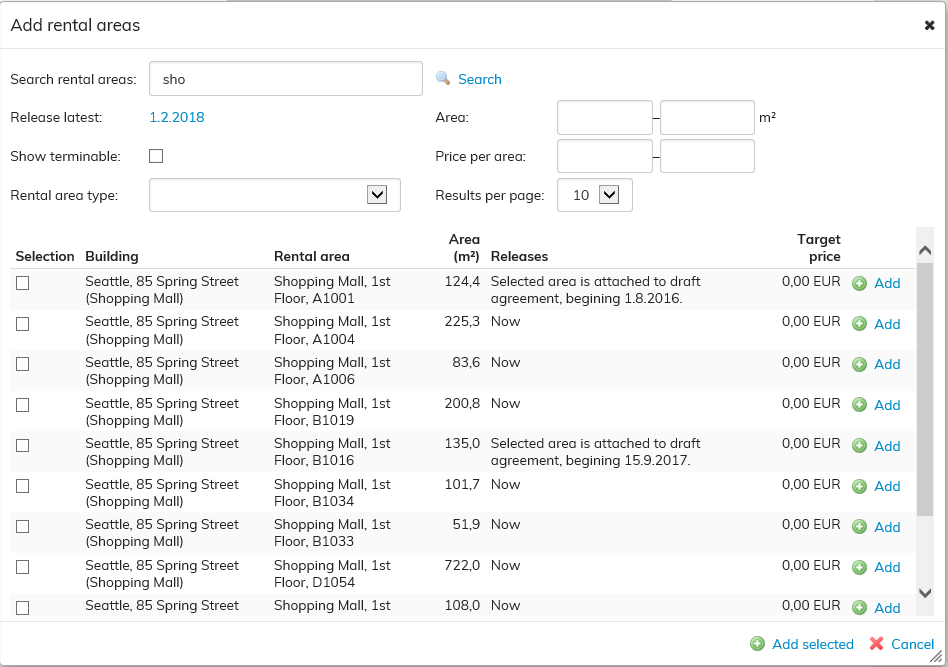
You can enter a name or a part of a name in the Add rental areas view.
The software will search for the rental areas in Optimaze that include the letters you have entered. Select a free object of lease and click Add on the right.
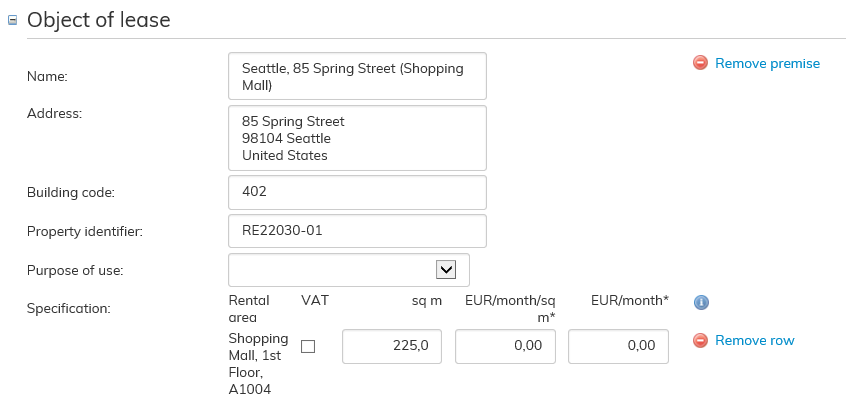
The rental area selected will be the object of lease in this agreement.
If the agreement covers multiple rental areas, you can add more rental areas to the agreement as described above.

The software notifies with a yellow triangle, if there are issues to be considered relating to the rental area in question.
When you hover the cursor over the triangle, you will see information on the issues that need to be considered when adding the rental area in question. If the issue to be considered does not prevent renting, you can add the rental area to the agreement
Target rent of the rental area
You can set a target rent for a rental area, and this will be used as the rent in the agreement by default, when the rental area is selected for the agreement. In the agreement, the rent can be changed to something other than the target rent. The modified rent is displayed in the final agreement.
You can set the target rent when creating a rental area either in the floor plan or via rental area management.
