You can add attachments to the agreement (e.g. floor plans of the rented area).

Save Optimaze drawings in PDF format and add them by clicking Selaa.
You can review the attachment by clicking Download or remove the attached document by clicking Remove.
Attachments can be added and modified in the management view, and you can select them to an agreement under Attachment.
You can find instructions on managing attachments under Appendices management in the user guide.
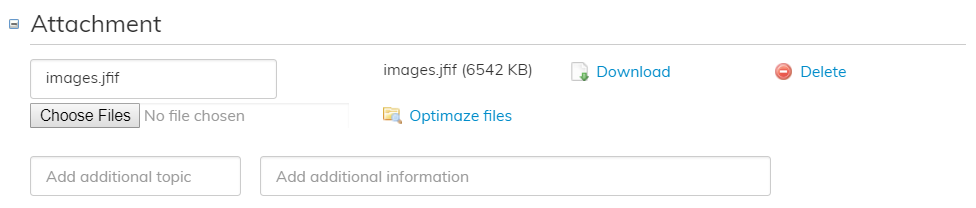
Select Optimaze files to show attachments that have been saved in the system.
