You can cancel the finalization of an agreement by clicking Revert finalization.
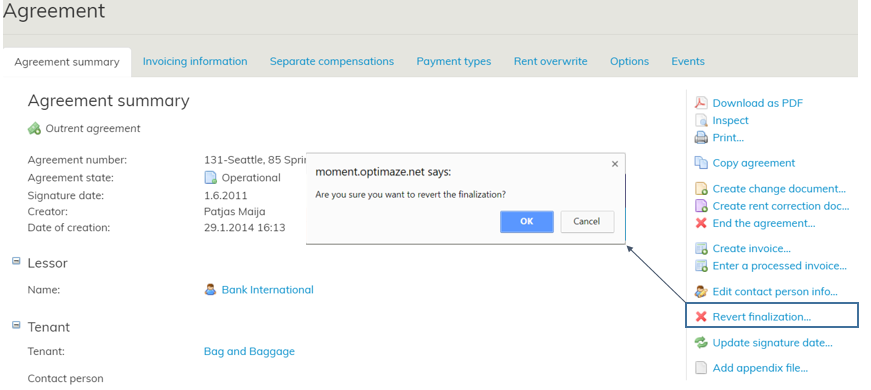
When the finalization of an agreement is cancelled, the agreement reverts back to being a draft.
Thus, the software asks, if you are sure you wish to revert the finalization.
| NOTE! |
|---|
By reverting an agreement’s finalization, the history information will be lost, and new changes made overwrite the original information. |
Use the Revert finalization function only when an agreement has been incorrectly saved in Optimaze.
If there are changes to the agreement, use the Create change document and Create rent correction document functions.
